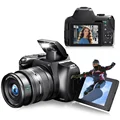
Capture stunning photos and videos with this feature-packed 4K DSLR camera. With 12X optical zoom, xenon light, and wifi connectivity, this camera is perfect for photography enthusiasts.
Specifications:
Image Sensor: SONY 13MP CMOS sensor(Up To 72MP)
LCD display 2.88 "inch IPS 4:3 resolution 640 * 480
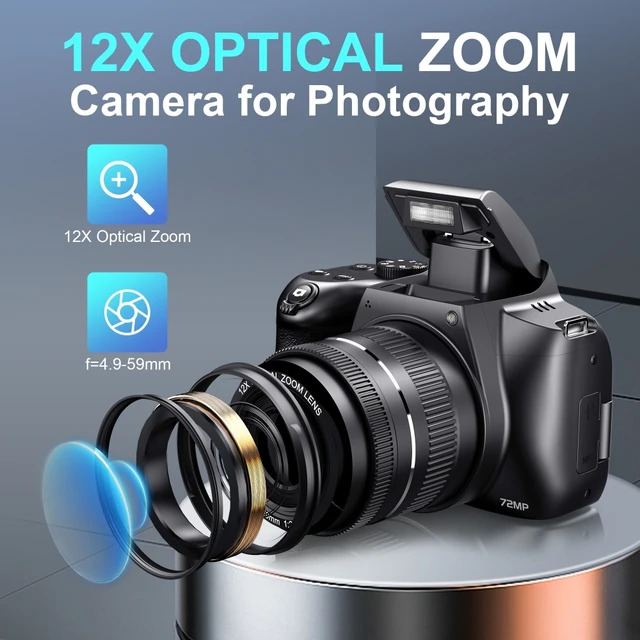
Zoom: 10X optical zoom/2X digital zoom
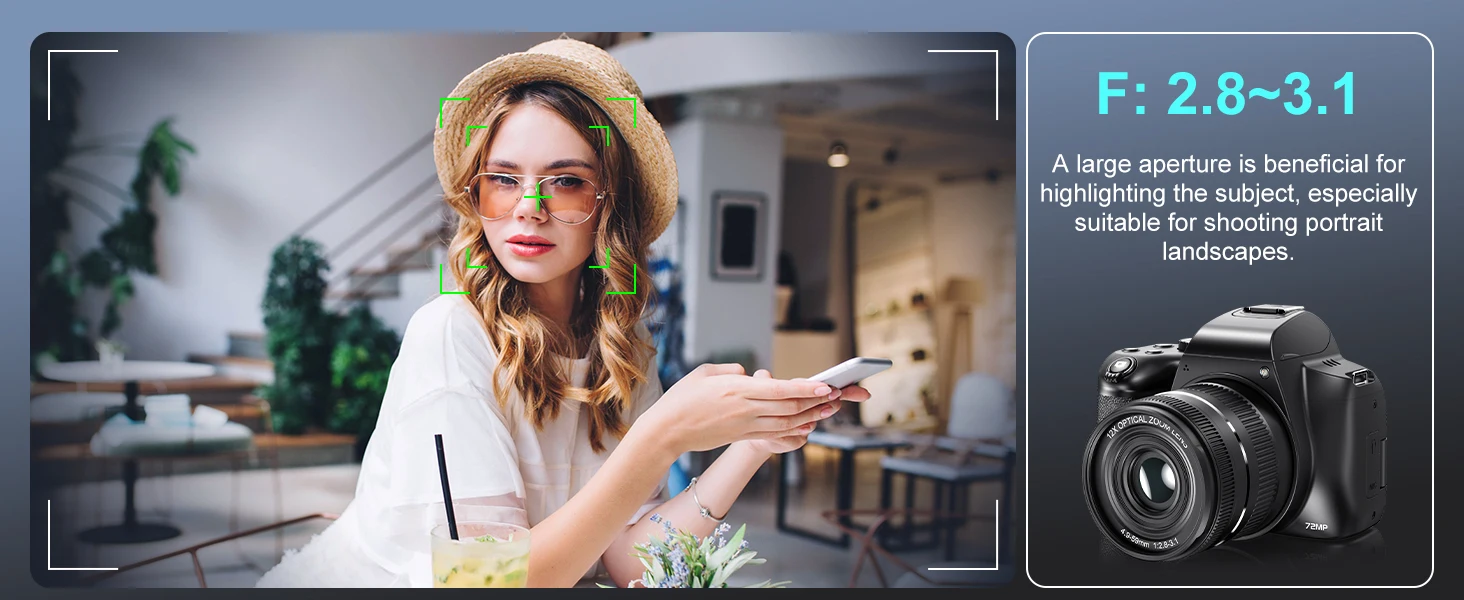
Focal length/aperture f=4.9~49mm, Fno. 2.8~3.1
Field of view 7.2~66.6 degrees
Focusing range wide: 0.1m~INF Tele: 1.5m~INF
Photo format: JPEG
Photo resolutions: 72M, 48M, 24M, 13M, 5M
Video format: MP4 (H.264)
Video resolution "UHD (4K): 2880 * 2160 (DAR 24fps) QHD(2K):2560*1440(30fps)
FHD(1080P):1920*1080(60fps) FHD(1080P):1920*1080(30fps) HD(720P):1280*720(60fps) Wifi APP Supporting App: VD CAM Supports iOS, Android
Stream resolution 640 * 360 (30fps) Stream format H.264
Language English/German/French/Spanish/Italian/Türkiye/Russian/Portuguese/Dutch/Simplified Chinese/Traditional Chinese/Japanese/Polish
AIAE metering mode (average metering)/center weighted/Single point automatic metering
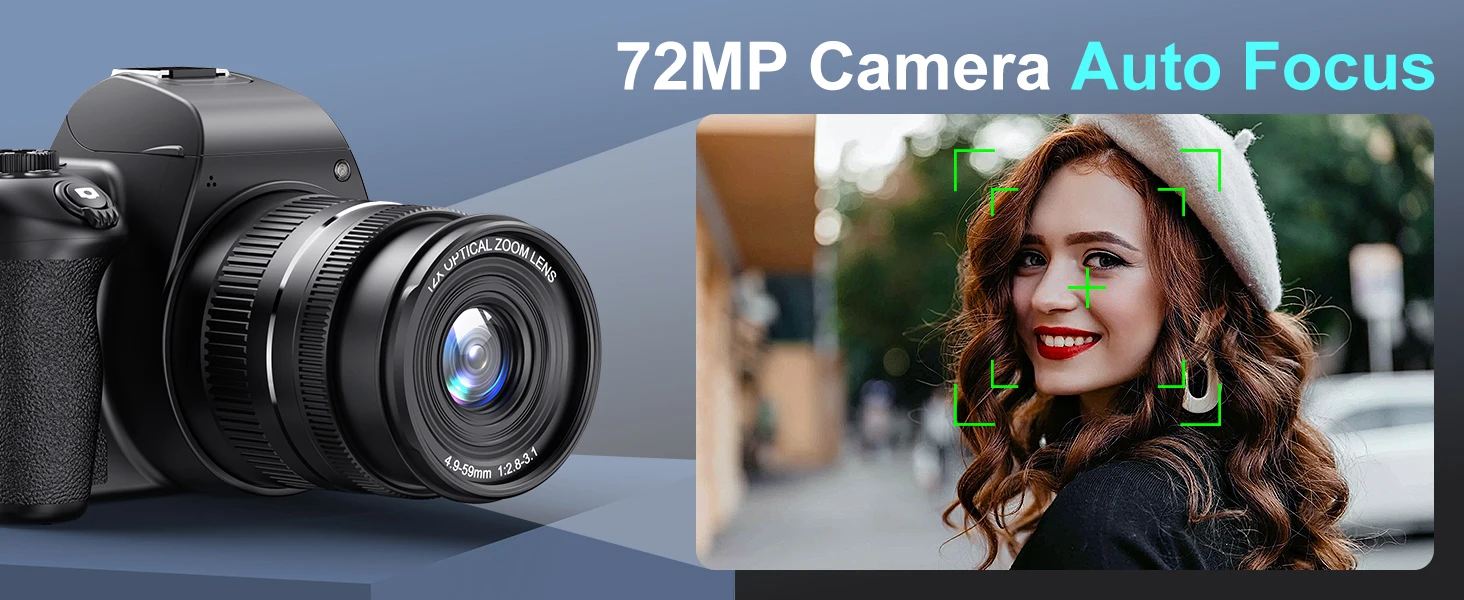
Focusing method AF/MF
Built in microphone/Speaker/xenon flash light/focus assist light/two indicator lights (charging/status)
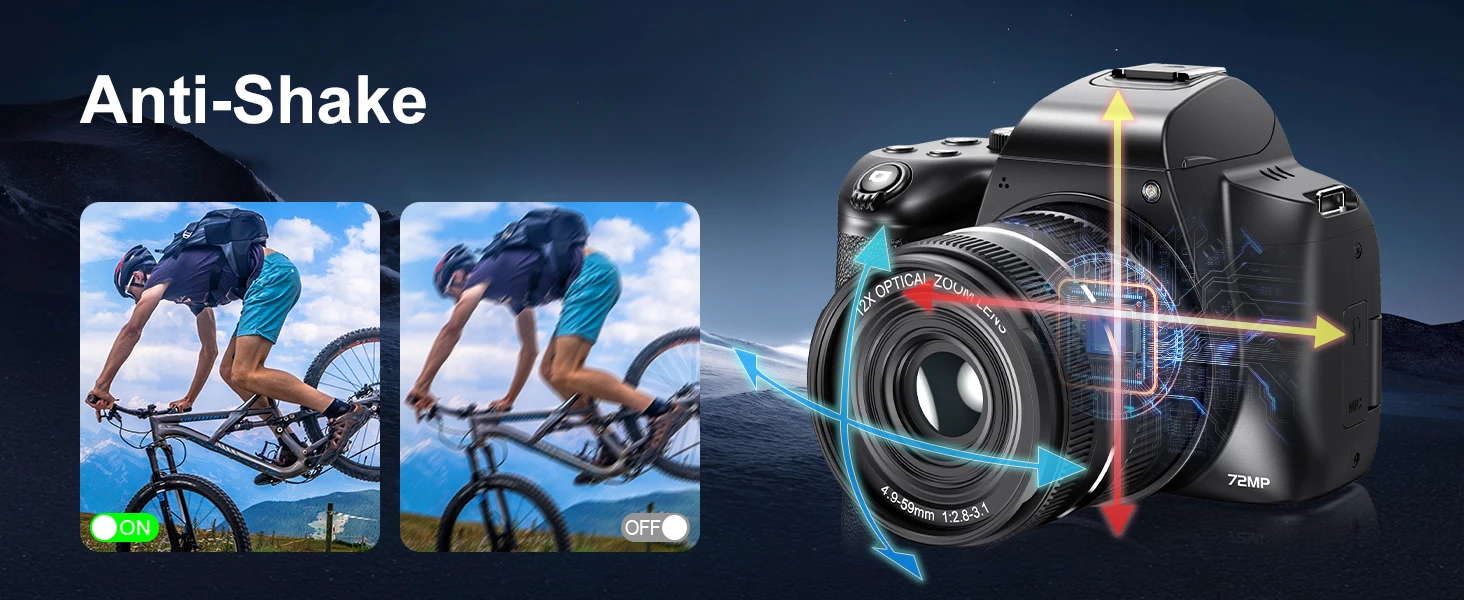
electronic image stabilization
Cold boot interface support
Remote control function support
Output interface HDMI Mini C Type: HDMI V1.3
USB TYPE-C Charging Port
3.5 Earphone interface with external microphone
2.5 Earphone interface external wire control
Features:
Prioritize facial recognition
Time-lapse photography
Selfie (timed for 2 seconds, 5 seconds, 10 seconds)
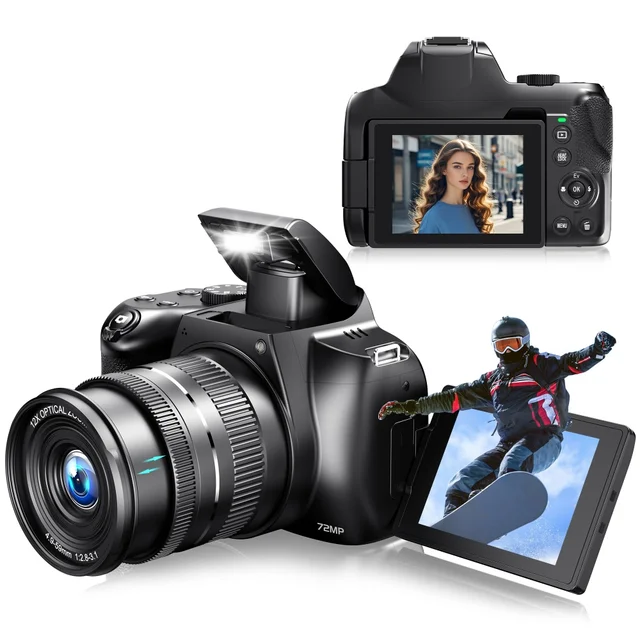
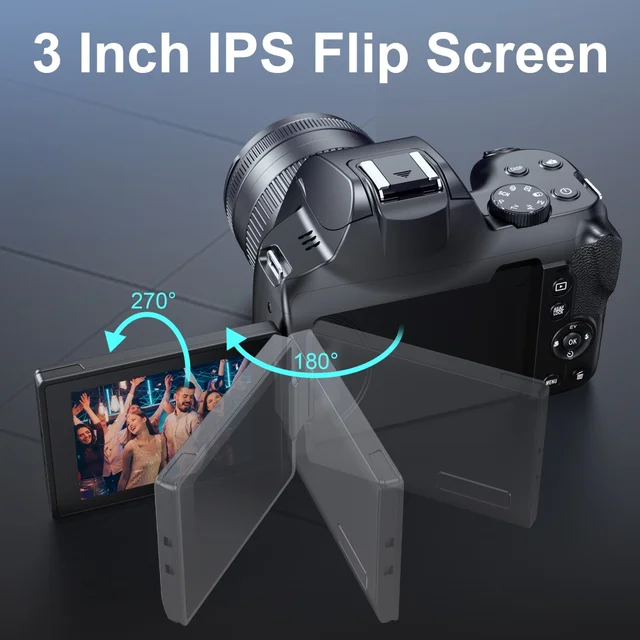
Support screen flipping
Top of the button: Video recording DISP、 Photography, W/T knob, mode knob, power button
Front: menu button, delete, replay button AE/AF LOCK、 Left (macro shortcut), right (flash shortcut), up key (EV+shortcut), down key (selfie shortcut), confirm key“
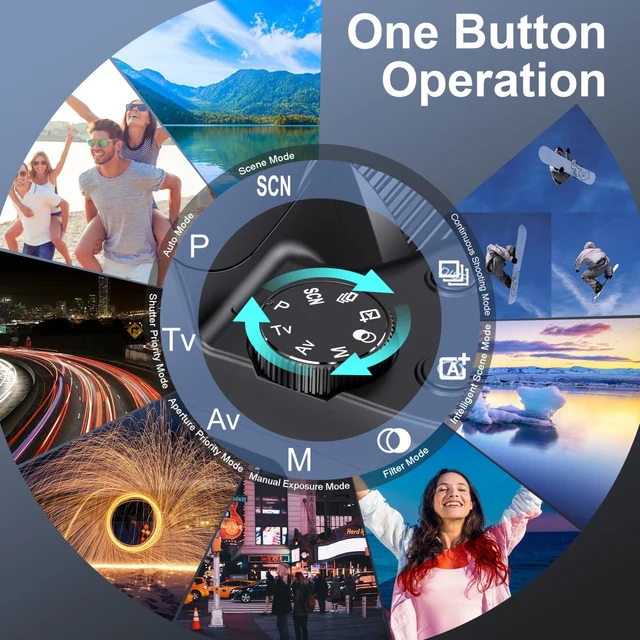
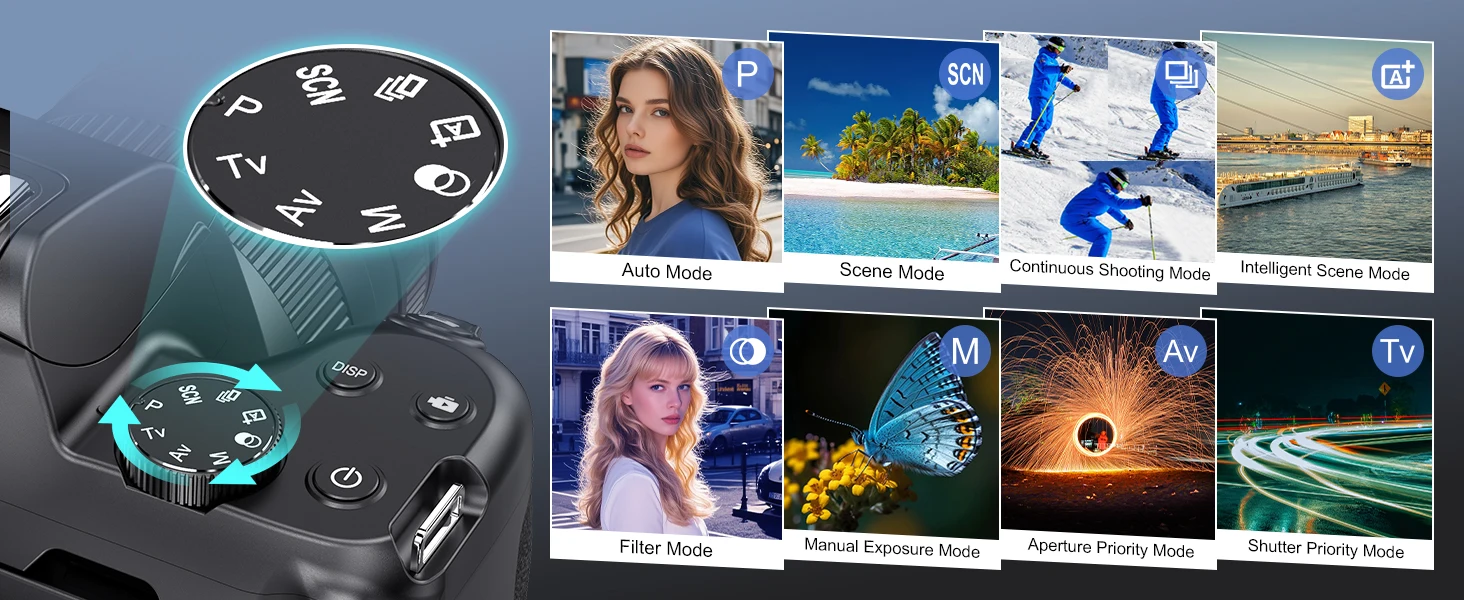
Mode/Wheel Function Items: Intelligent Scene Mode, Filter Mode, Manual Exposure, Aperture Priority, Shutter Priority, Program Auto Exposure, Scene Mode, Continuous Shooting Mode
Storage Memory Card External SD Card (Supports up to 256GB)
NP-120 Lithium Battery 3.7V 1400mAh
Working temperature: 0-40 degrees Celsius
Working system Windows XP/Vista/7/10
Package List:
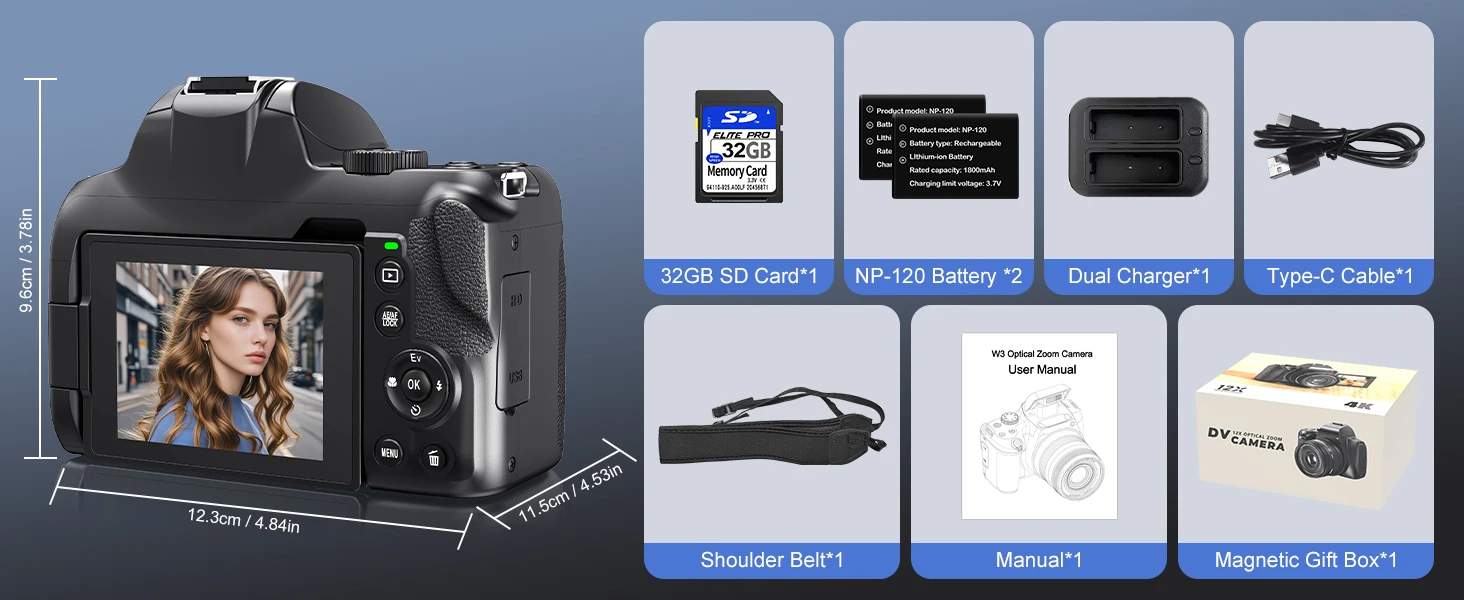
Camera *1
NP120 Battery *1
Manual*1
Camera Strap*1
Charging Cable*1
SD Card *1 (Optional)
Card Reader *1(Optional)
Extra NP120 Battery *1(Optional)
Camera Bag *1(Optional)
Battery Charger*1(Optional)
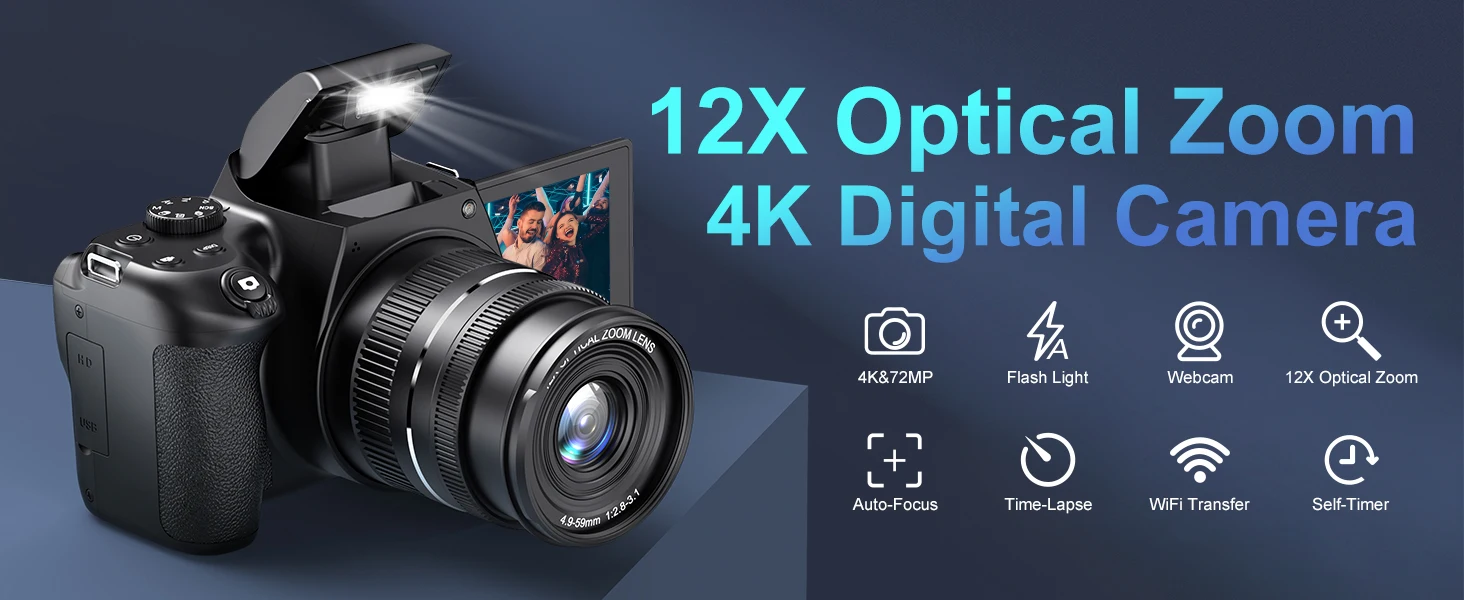
4K Digital Camera
4K&72MP/Flash Light/Webcam/12X optical zoom/ Auto Focus/ Time Lapse/ WIFI Transfer/ Self Timer
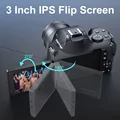
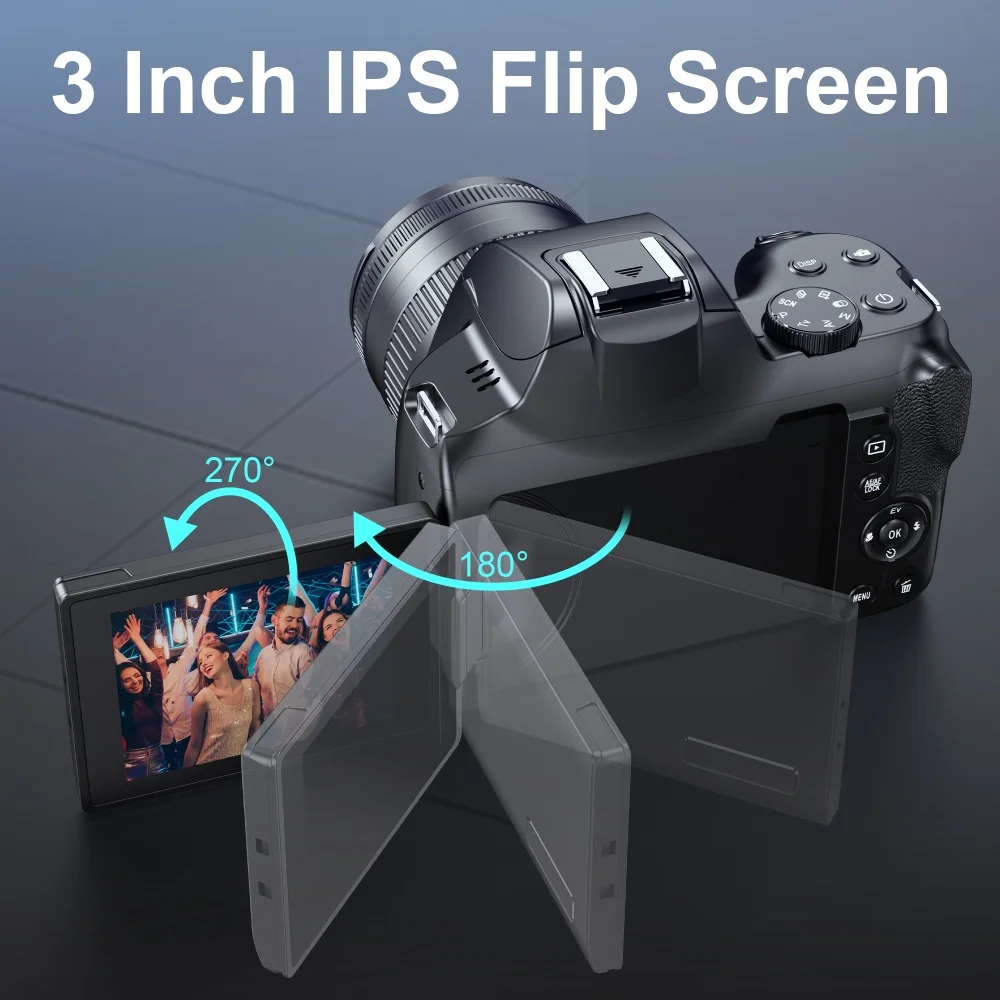
3.0 Inch Flip Screen
180 degree horizontal folding 270 degree vertical rotation HD screen
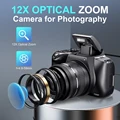
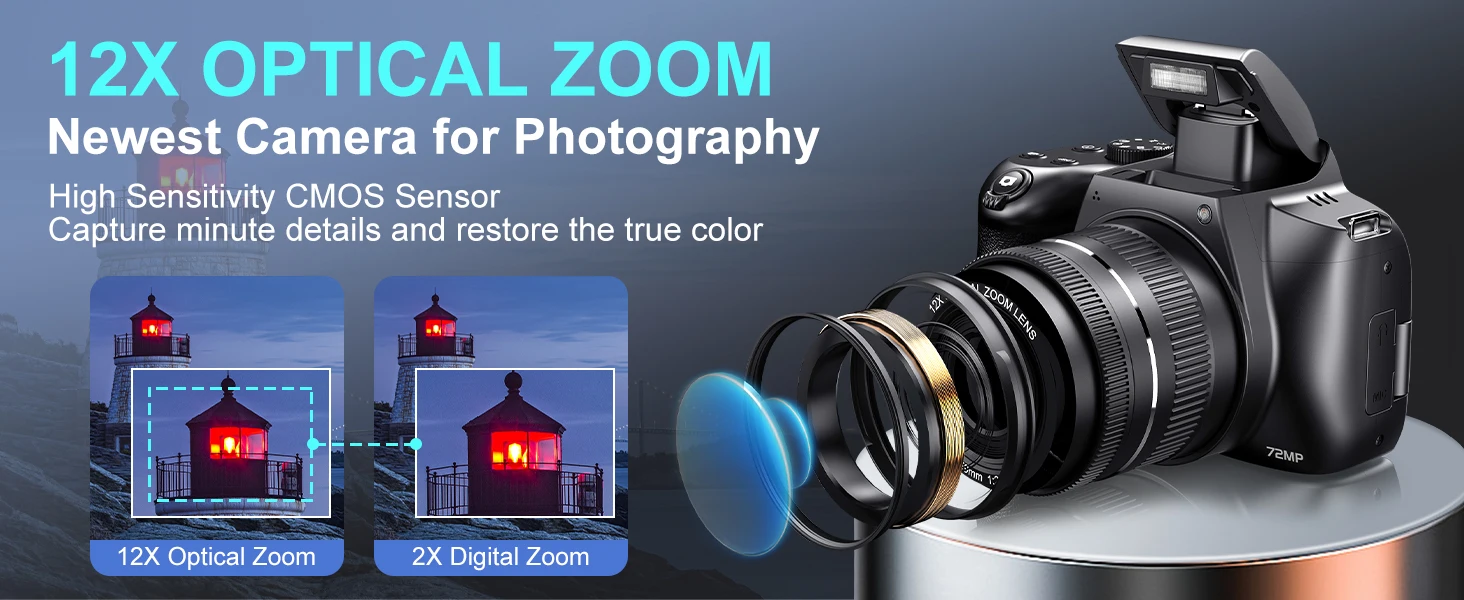
12X OPTICAL ZOOM
Newest Camera for Photography High Sensitivity CMOS Sensor
Capture minute details and restore the true color
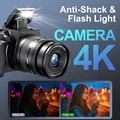
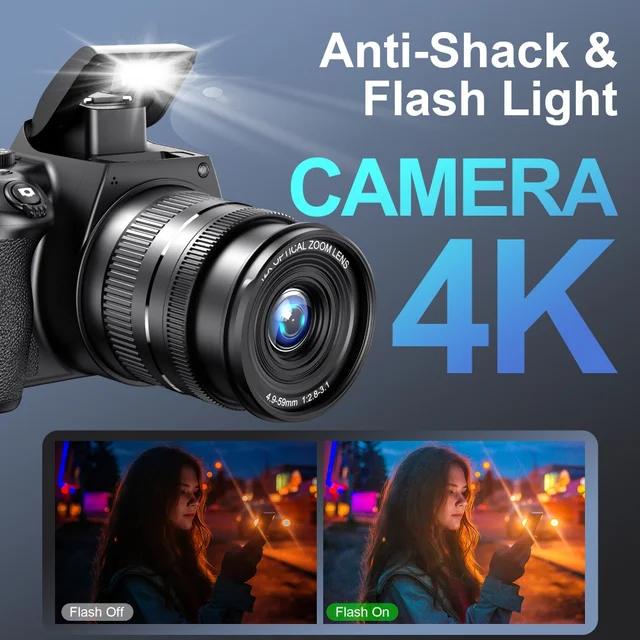
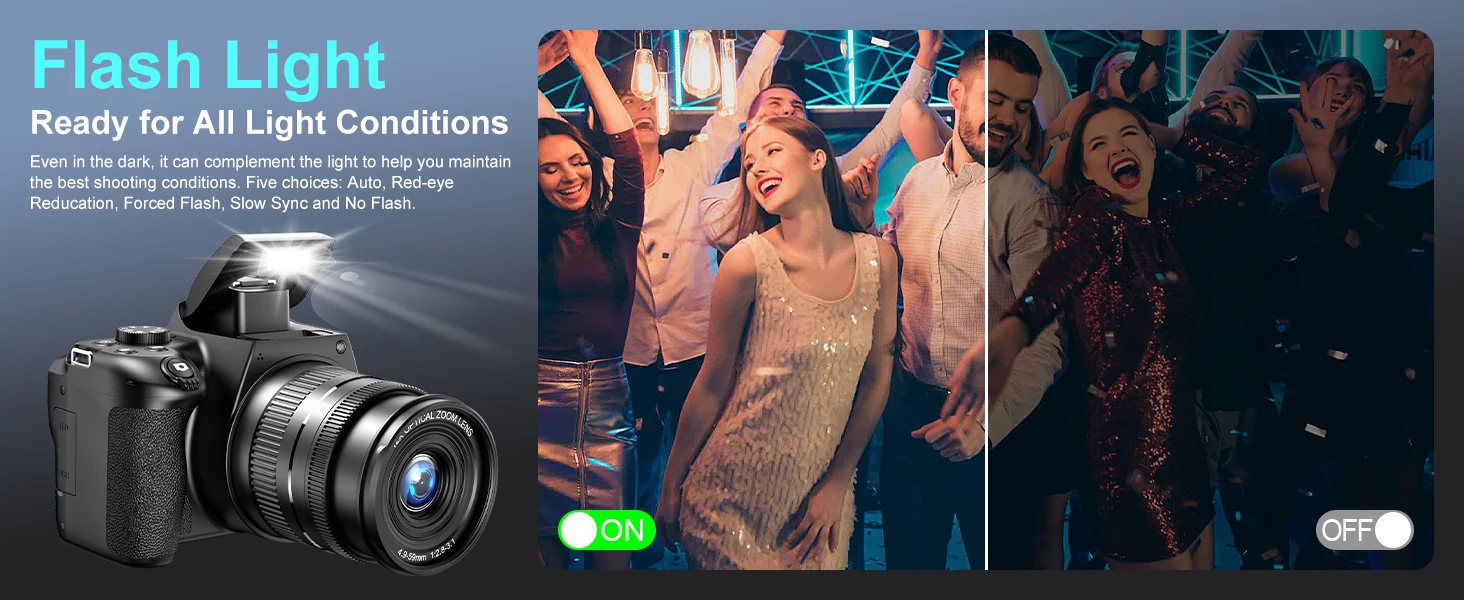
Inbuilt Xenon Flash Light
Even in the dark, it can complement the light to help you maintain the best shooting conditions. Five choices: Auto, Red-eyeReducation, Forced Flash, Slow Sync and No Flash.
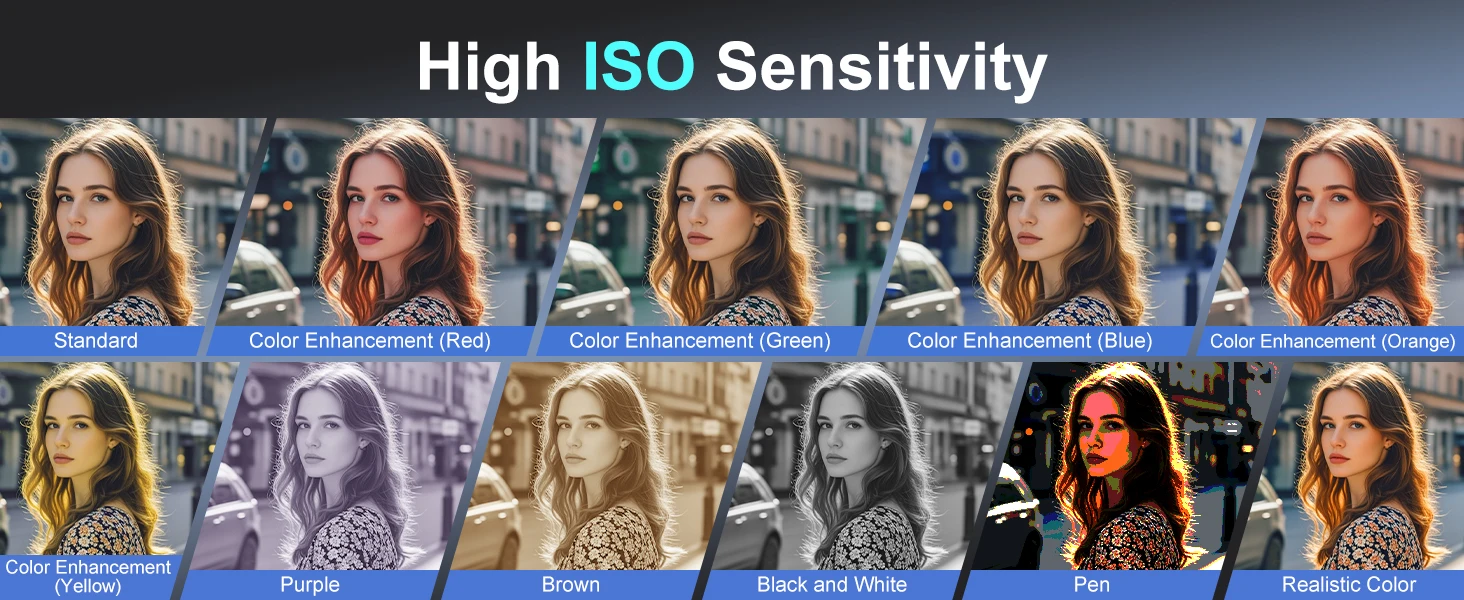
ISO 3200 High Sensitivity And 11 Filters
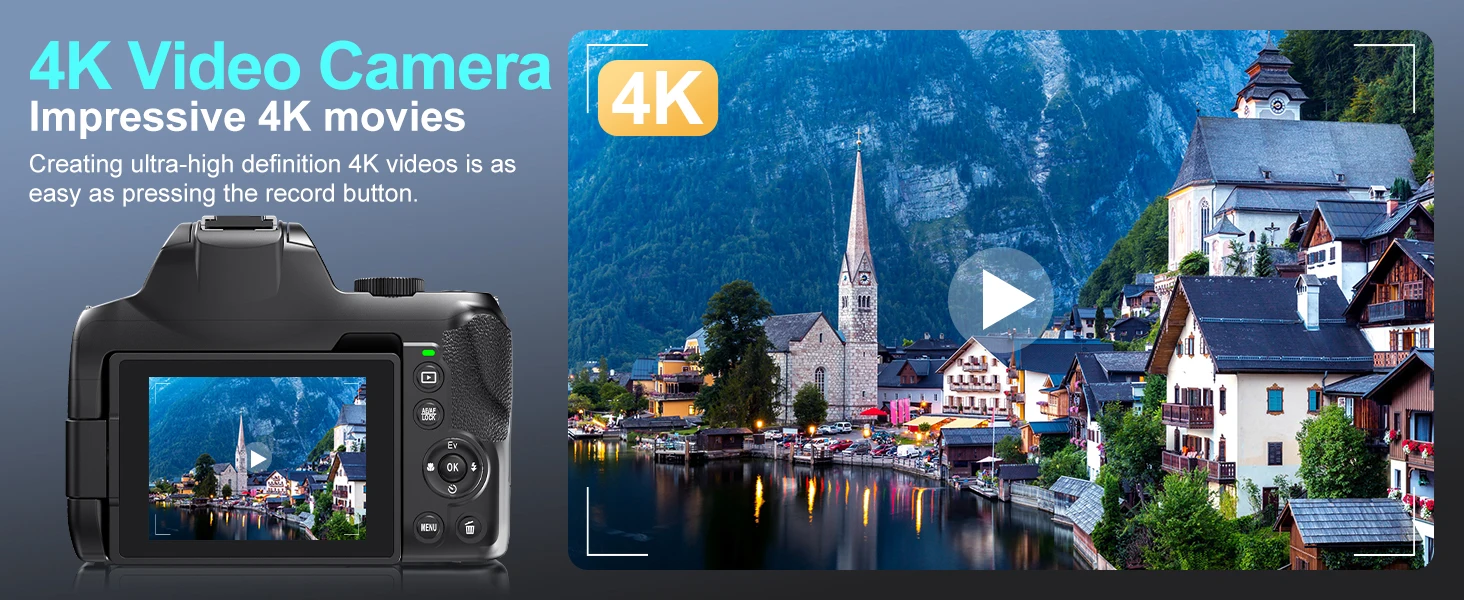
4K UHD Video Camera
Creating ultra-high definition 4k videos is aseasy as pressing the record button.
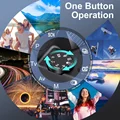
10 Scenes Modes
1. Press left and right keys to select scene mode, and press OK key to confirm.
2. Press menu key for scene selection, and press Left and right keys to select scense, then press OK key to confirm.
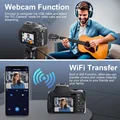
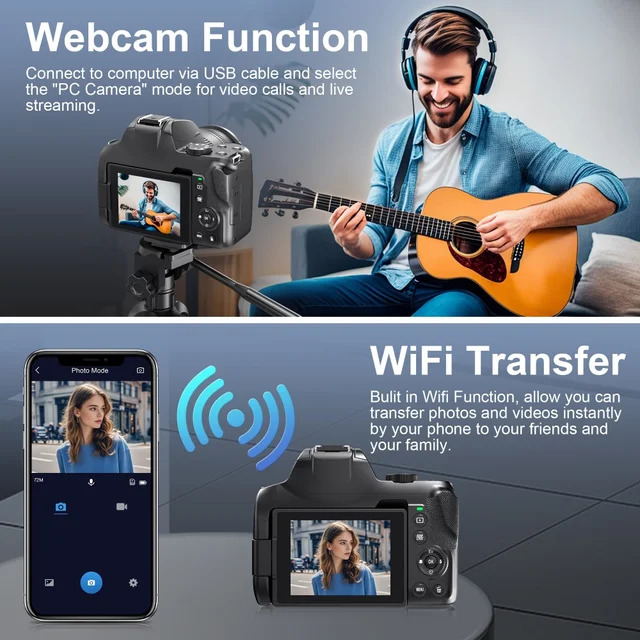
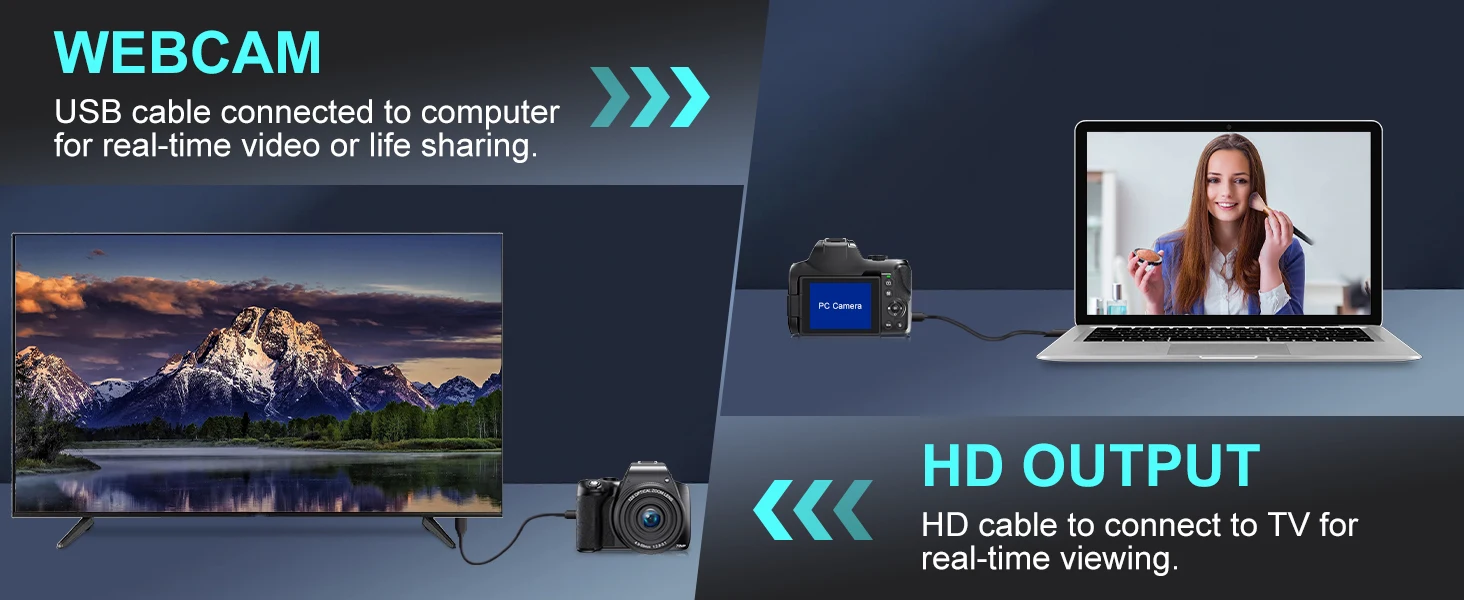
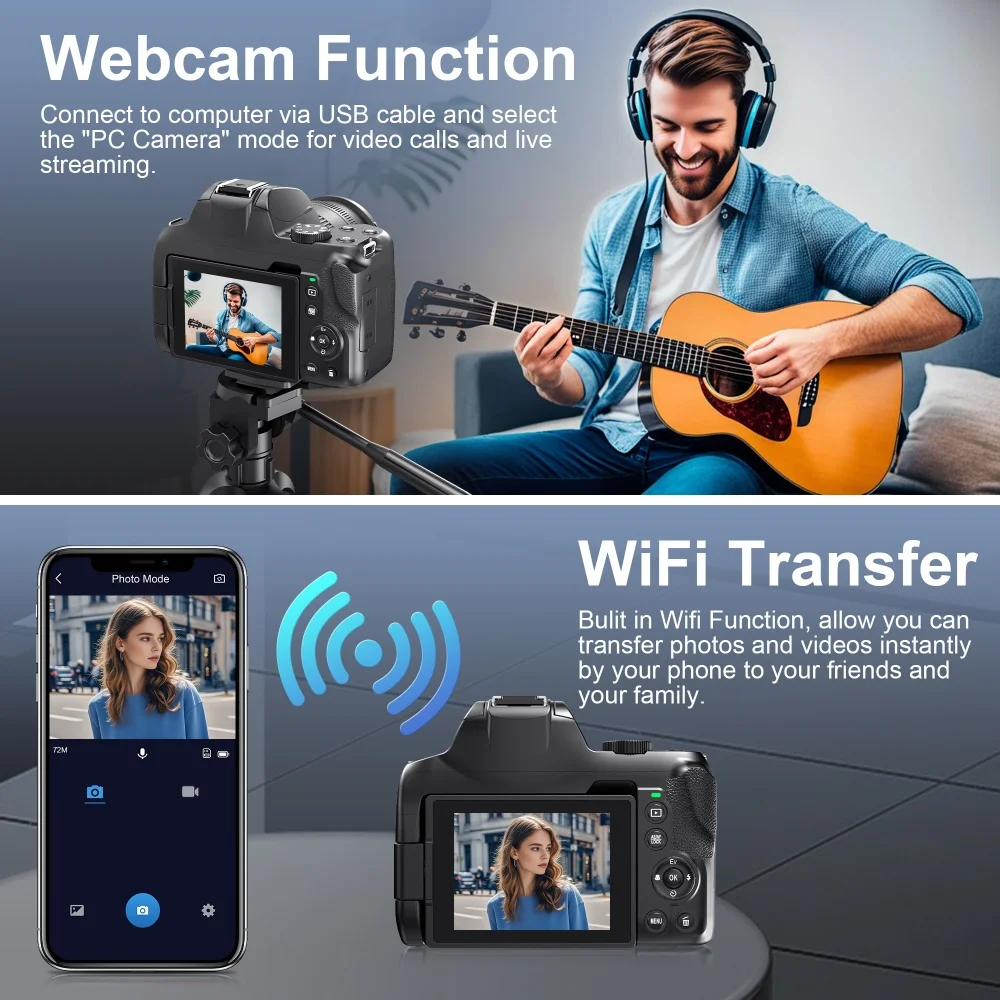
Webcam Function And Clear HDMI Output
1. Connect the camera to PC with USB cable for real-time video or life sharing.
2. Use HDMI cable to connect the camera to TV for real-time viewing.
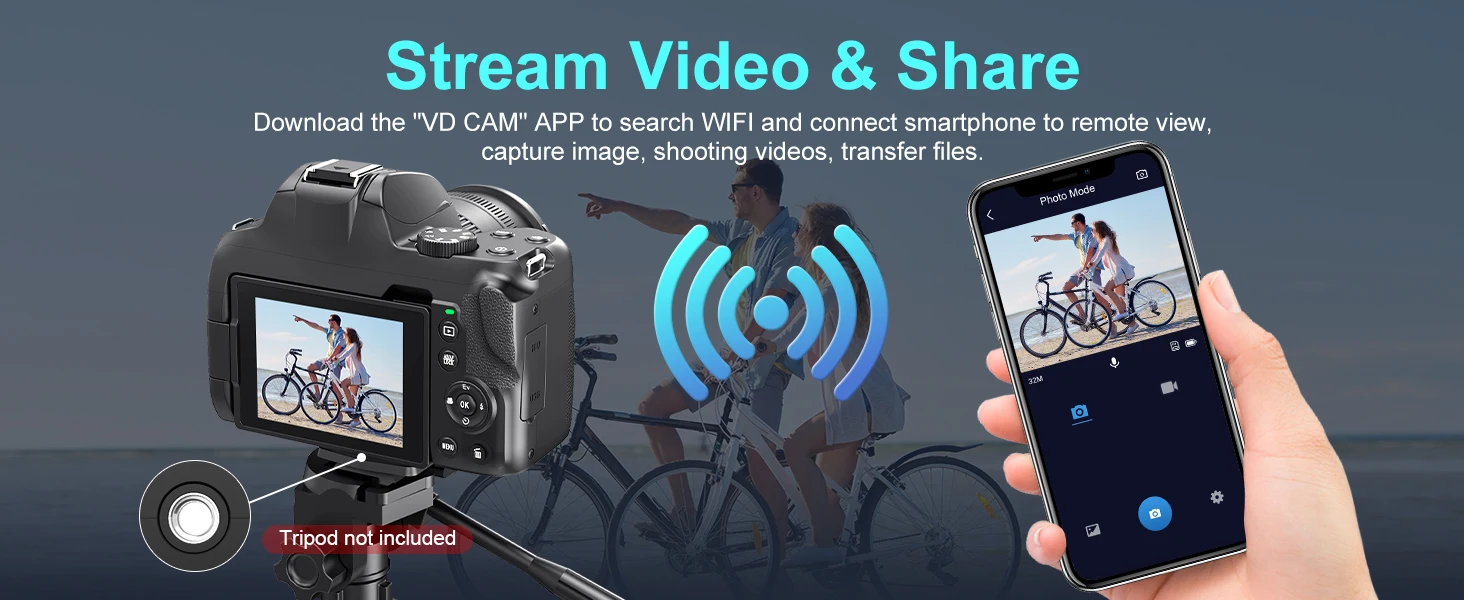
Live Streaming Video & WIFI Real Time Share
Download the "VD CAM" APP to search WlFl and connect smartphone to remote view.
capture image, shooting videos, transfer files.
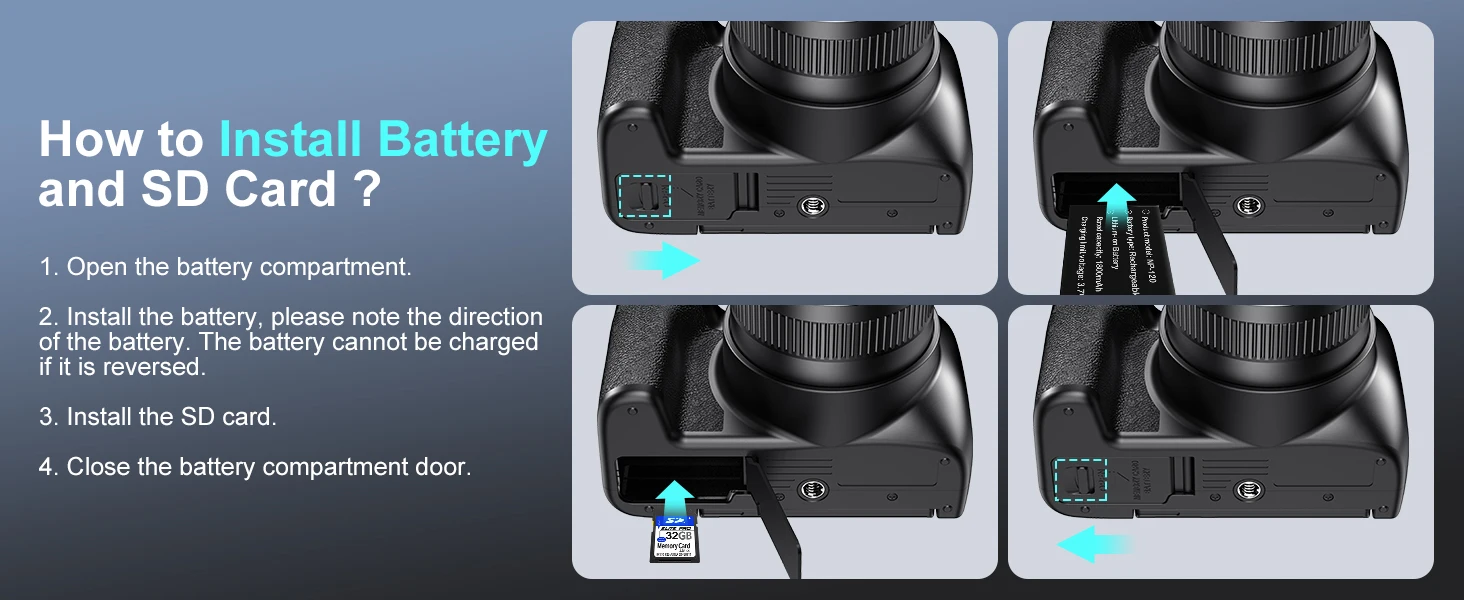
How to install battery and SD card?
1. Open the battery compartment.
2.Install the battery, please note the directionof the battery. The battery cannot be chargedif it is reversed,
3. Install the SD card
4. Close the battery compartment door.








Follow us on: