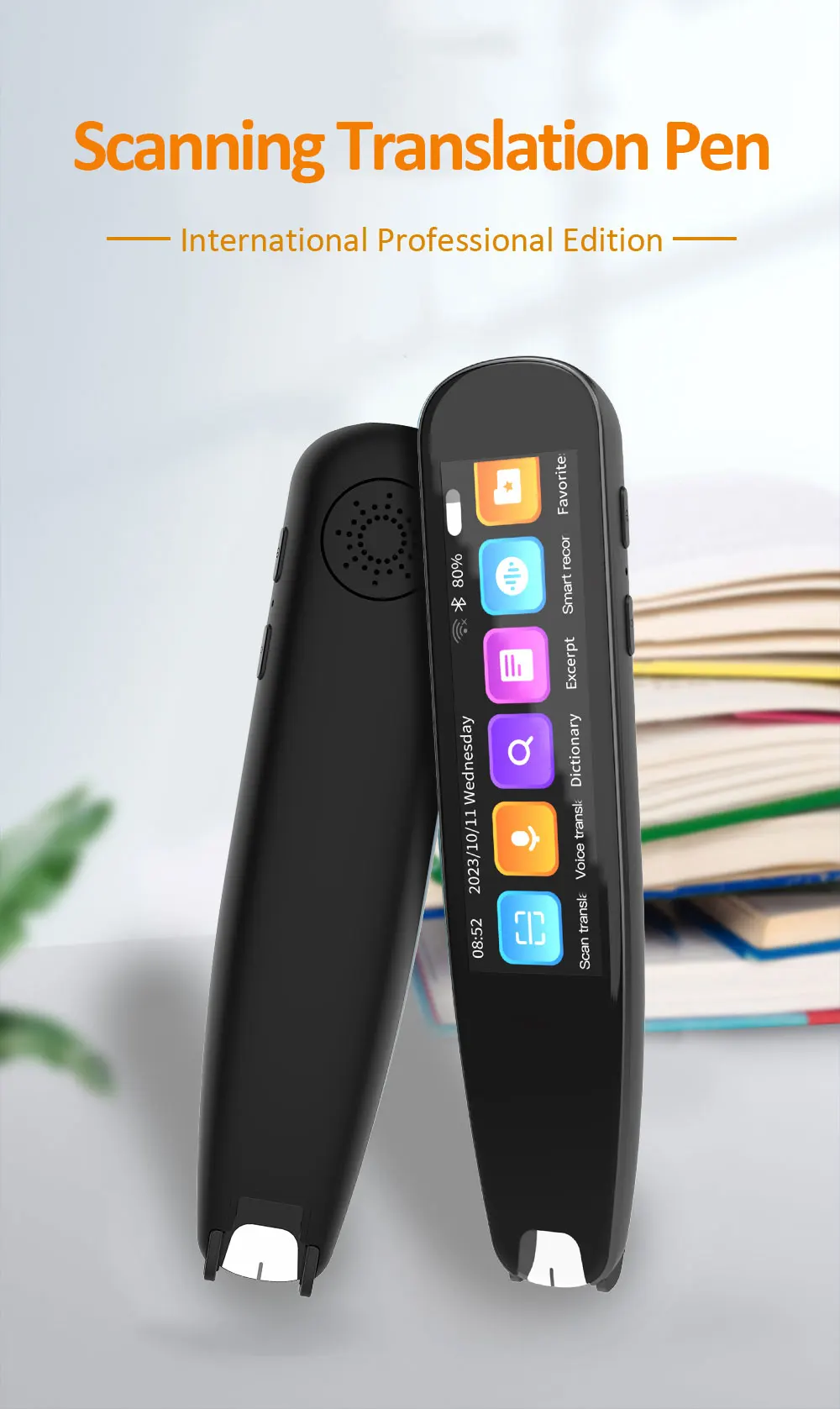
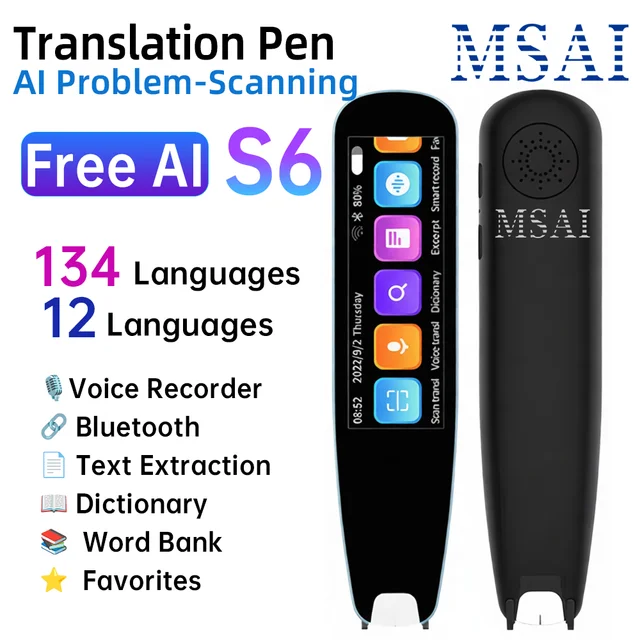
The MSAI S6-AI Translator Pen offers a seamless multilingual translation experience, providing quick scan and voice translation capabilities. Ideal for students, travelers, and business professionals looking for efficient language tools.
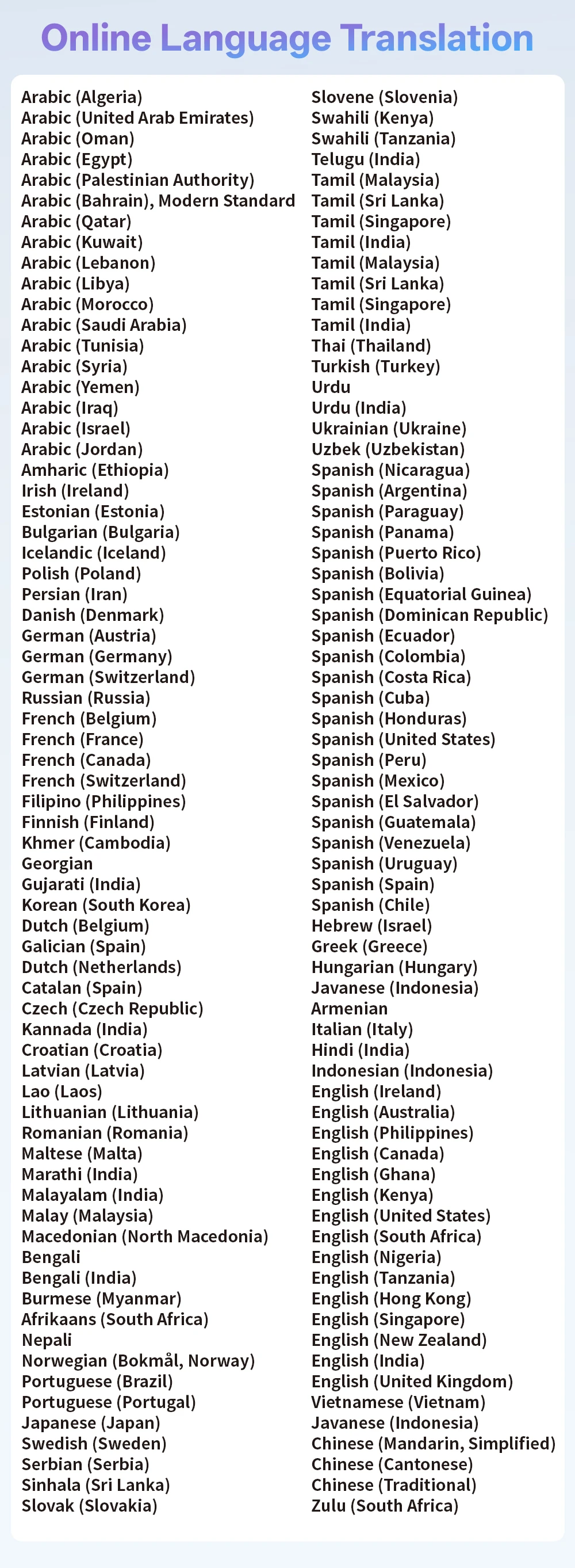
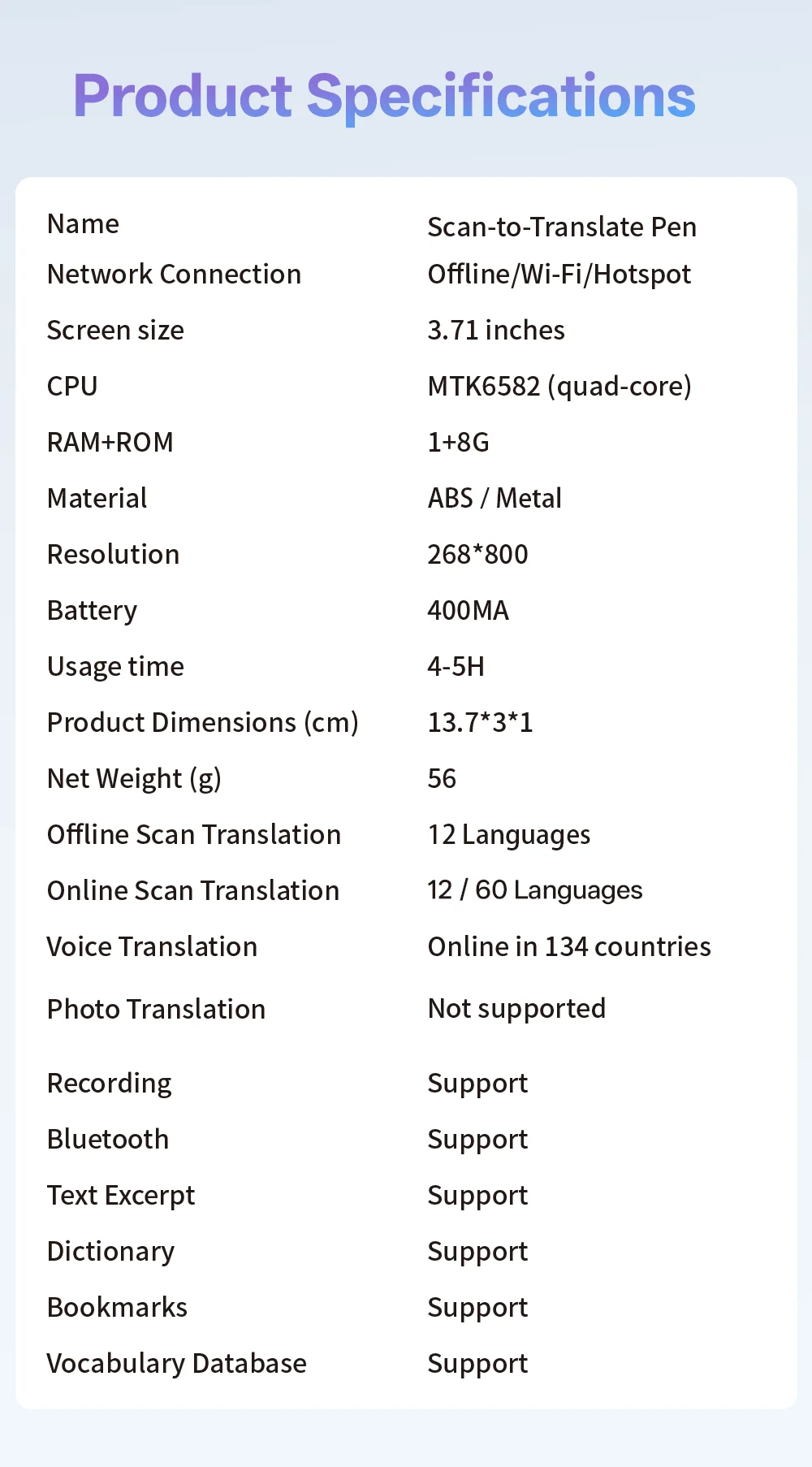
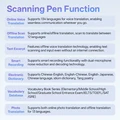
1. Core Translation Capability: Accurate Offline & Online Translation Covering 12+134 Languages
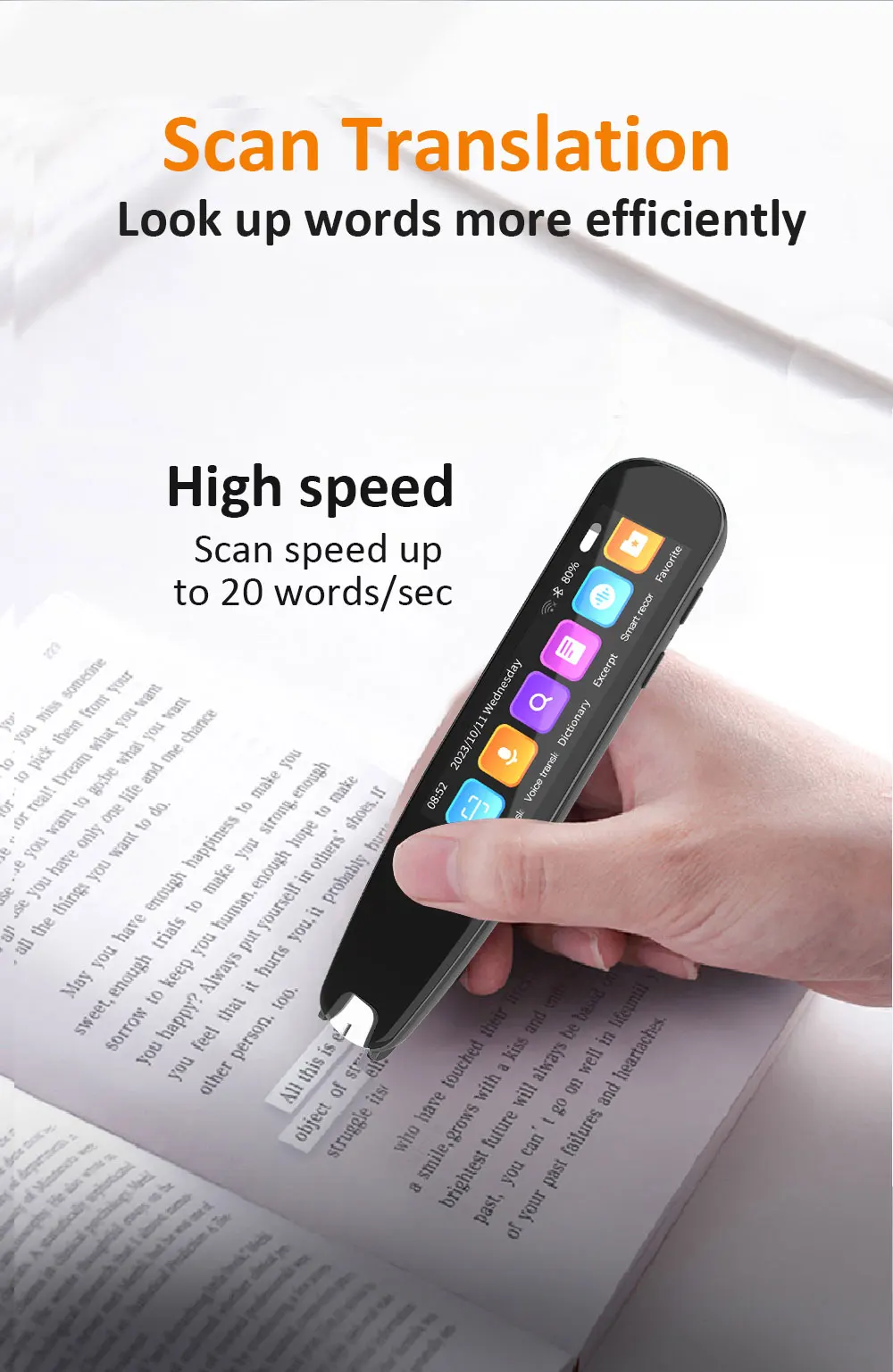
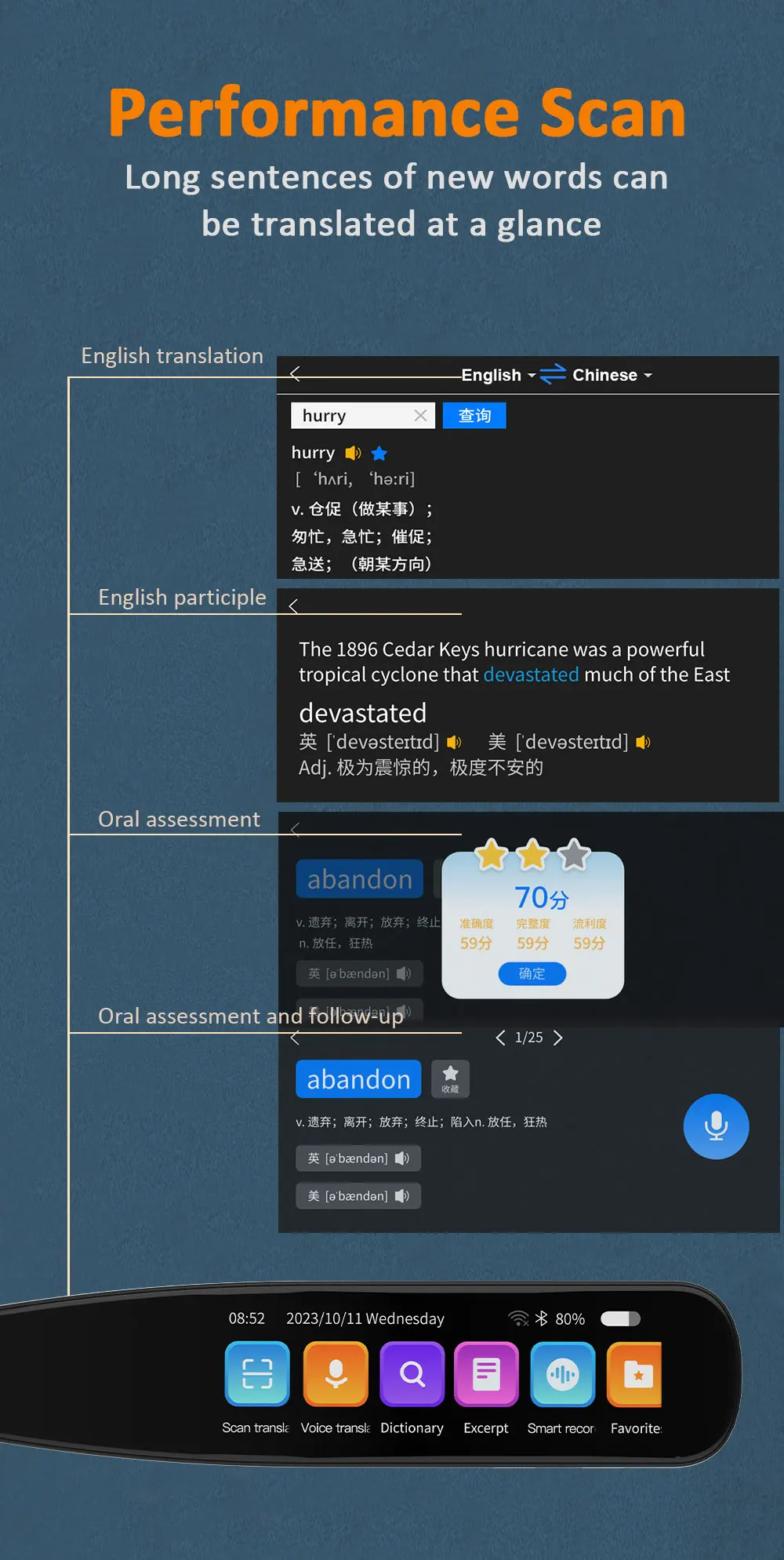
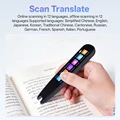
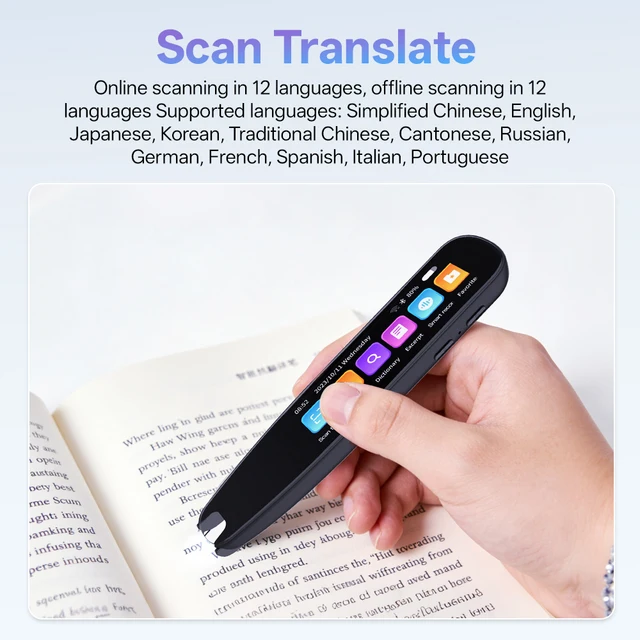
📷 Scan Translation: Instant Translation – No Internet? No Problem!
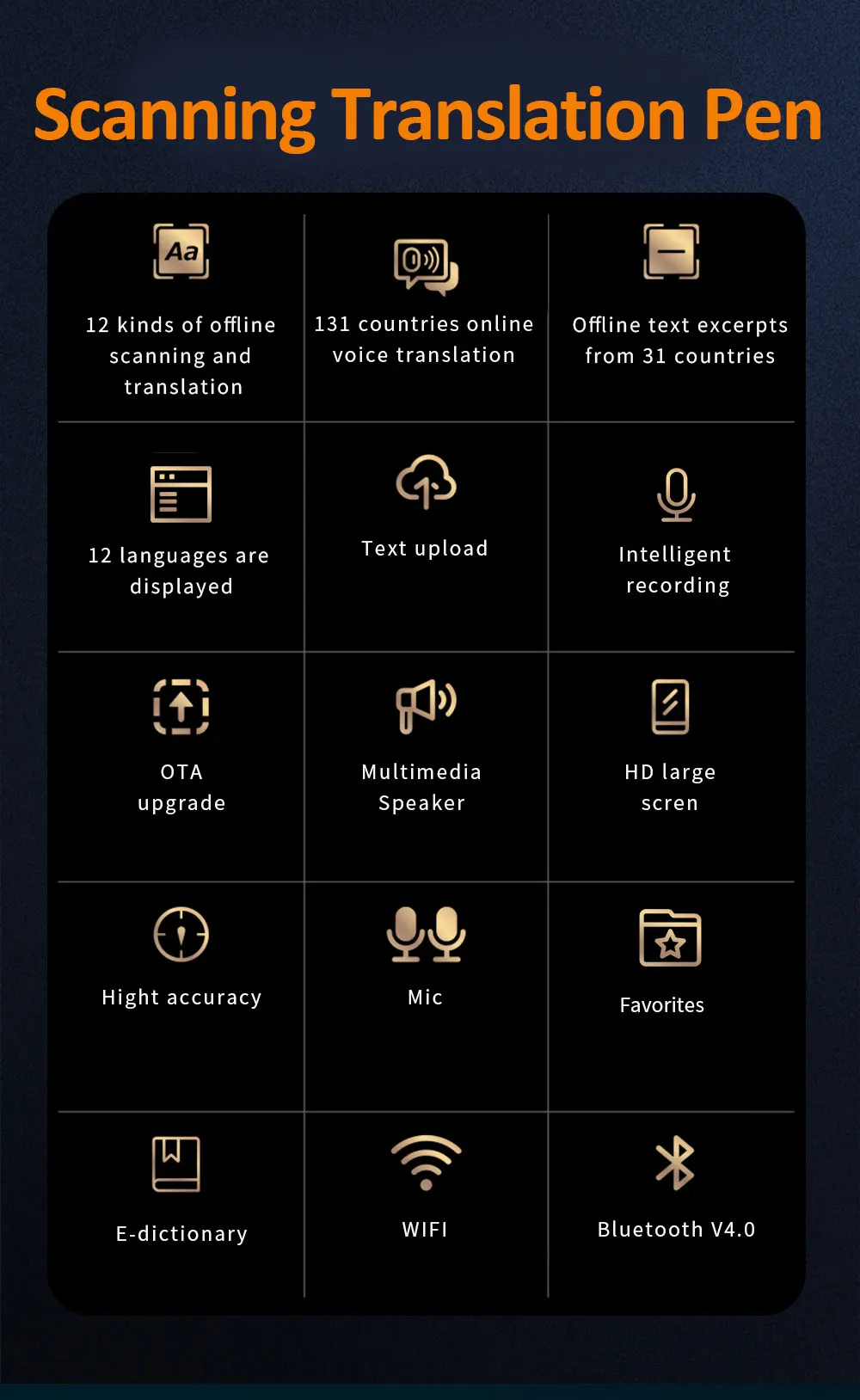
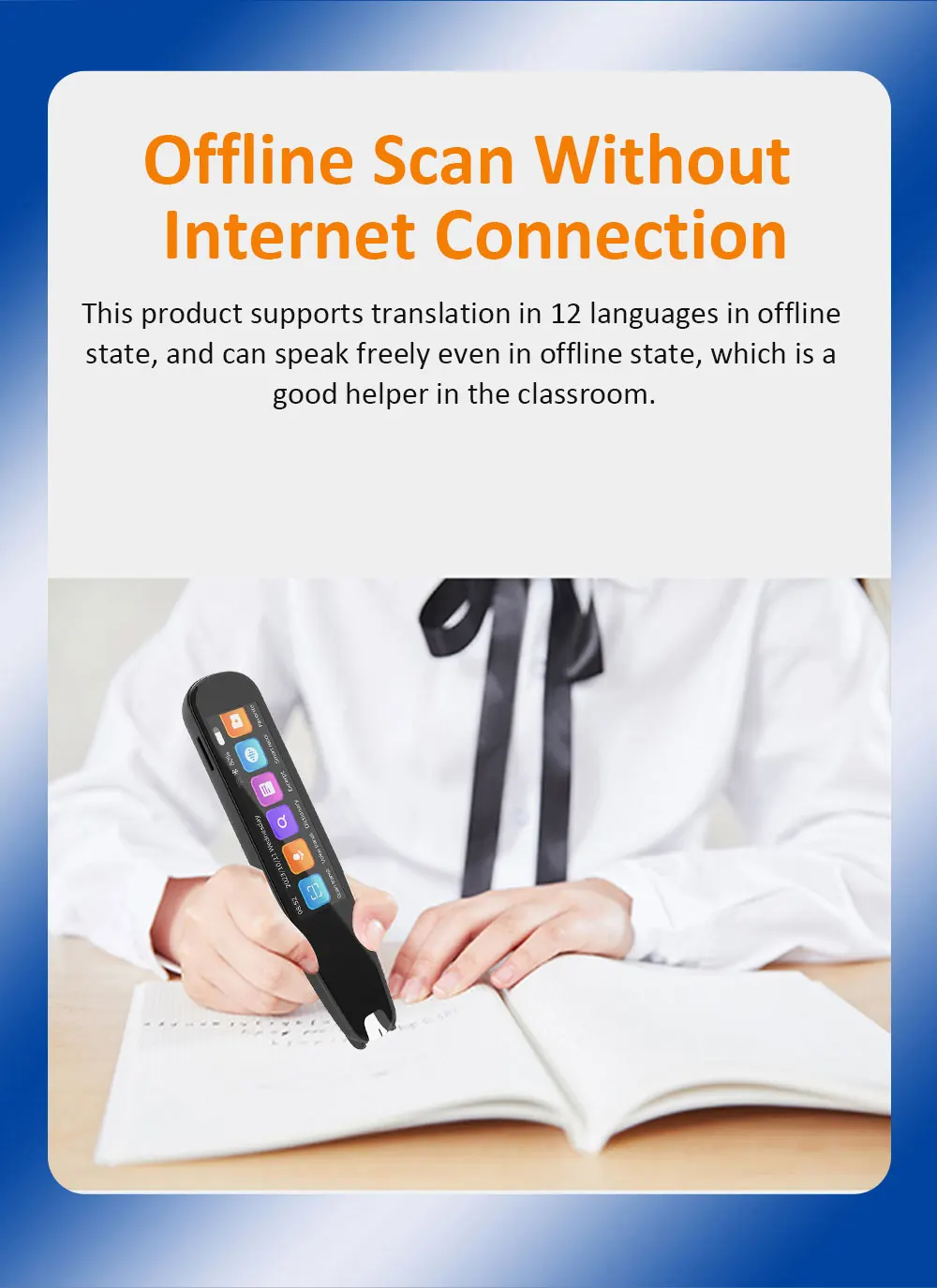
📚 12 Dual Offline Languages: Simplified Chinese, English, Japanese, Korean, German, French, and other mainstream languages. Even without WiFi or data, scan product packaging, road signs, or menus for precise results (e.g., scan snack labels in Japanese convenience stores or street signs in Europe).
🎯 Pronunciation Evaluation Bonus: Supports word-by-word evaluation for Simplified Chinese and English. Kids practice pronunciation, adults improve oral skills – listen to standard pronunciation and corrections after scanning, combining learning with translation.
🗣️ Voice Translation: Zero-Latency Cross-Border Communication
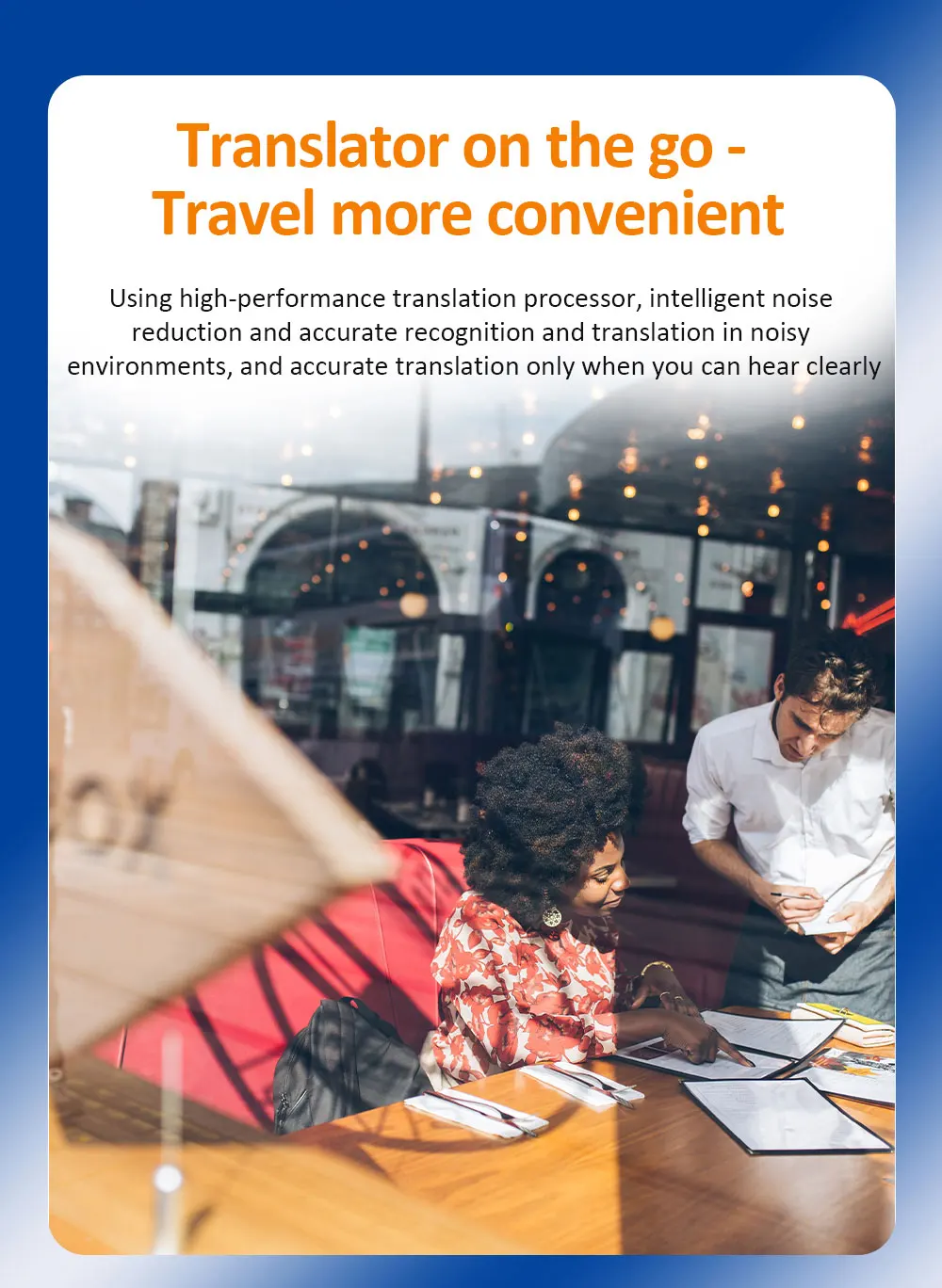
🌍 134 Online Languages: Covers minor languages (Russian, Spanish, Portuguese, etc.). Chat with overseas neighbors, bargain in malls, or conduct business negotiations – speak and translate instantly, no need to type and wait.
2. Text Extraction: Must-Have for Meetings/Classes – Scan & Simultaneous Translation in One Step
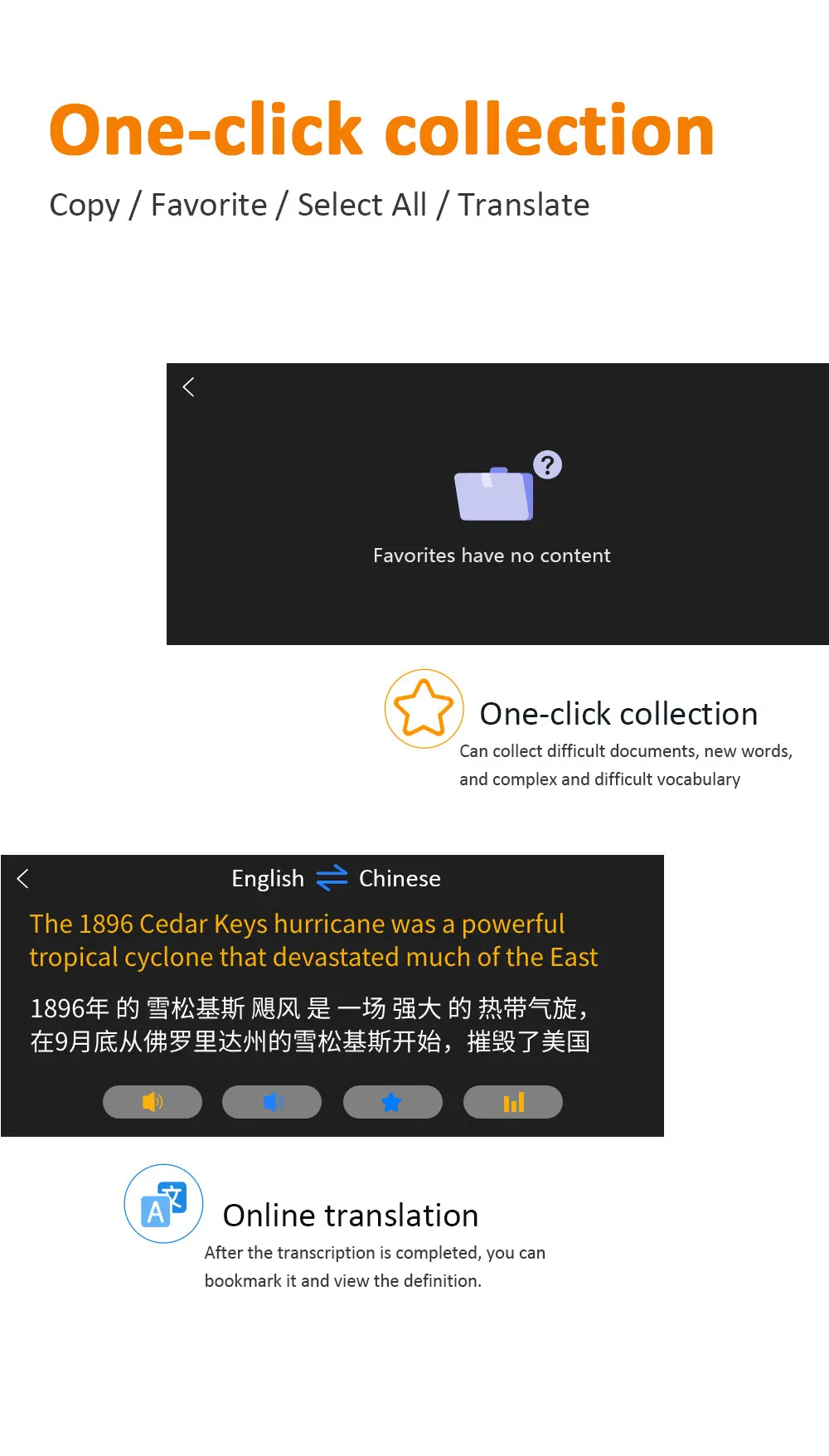
📝 Extraction in 22 Languages: Simplified Chinese, Traditional Chinese, Cantonese, Czech, Danish, etc. Take notes in classes or record meeting key points – scan paper materials to convert directly to text. Supports "scan simultaneous translation" – translate PPT content while scanning during speeches, no more scrambling to take notes.
💾 Never Lose Content: Saved extractions can be stored or exported, making it easy to organize documents and review key points later.
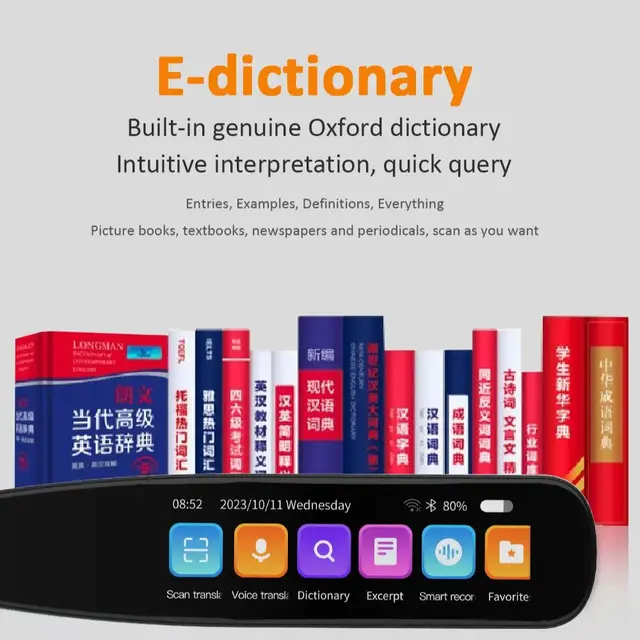
3. Learning Assistance: Built-in "Mobile Dictionary Library" from Primary School to Postgraduate/IELTS
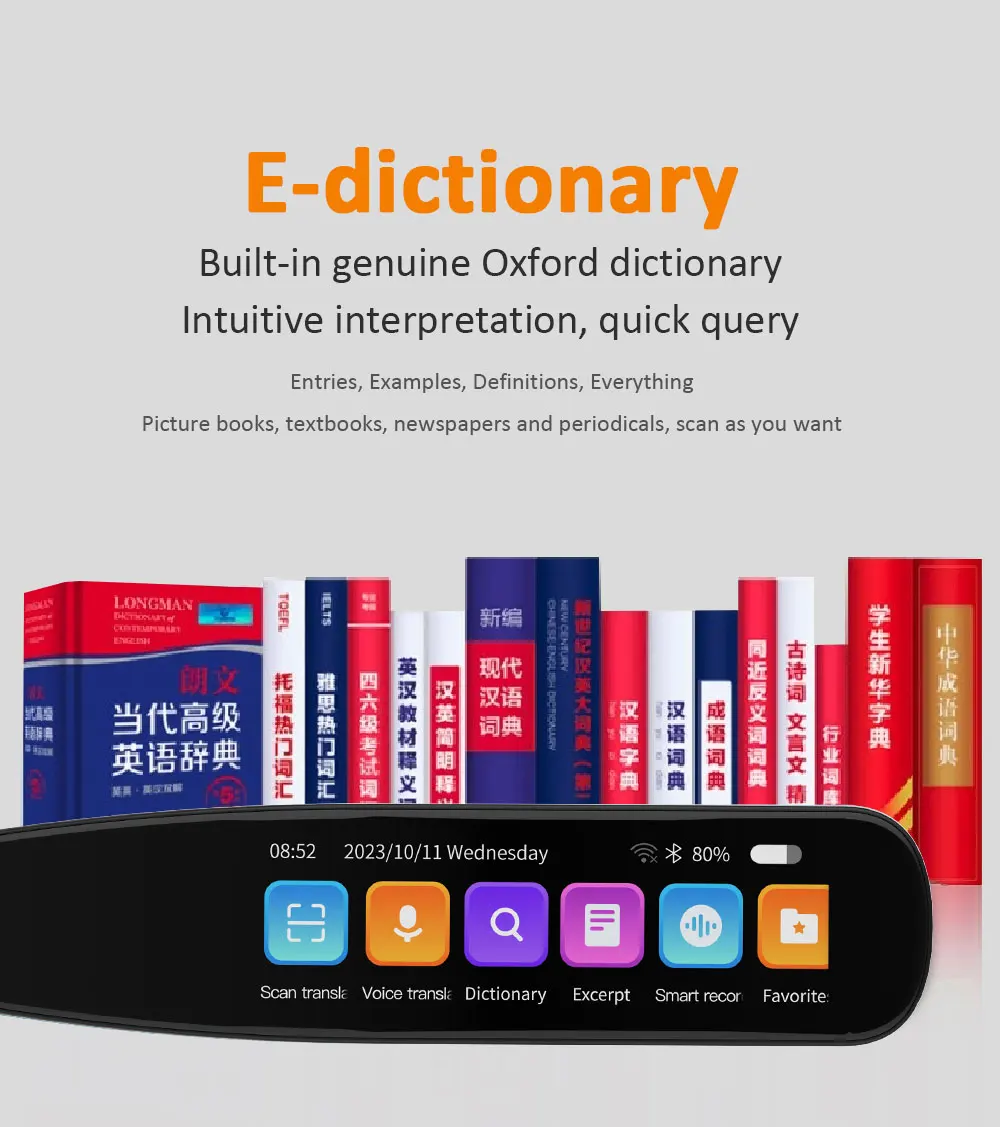
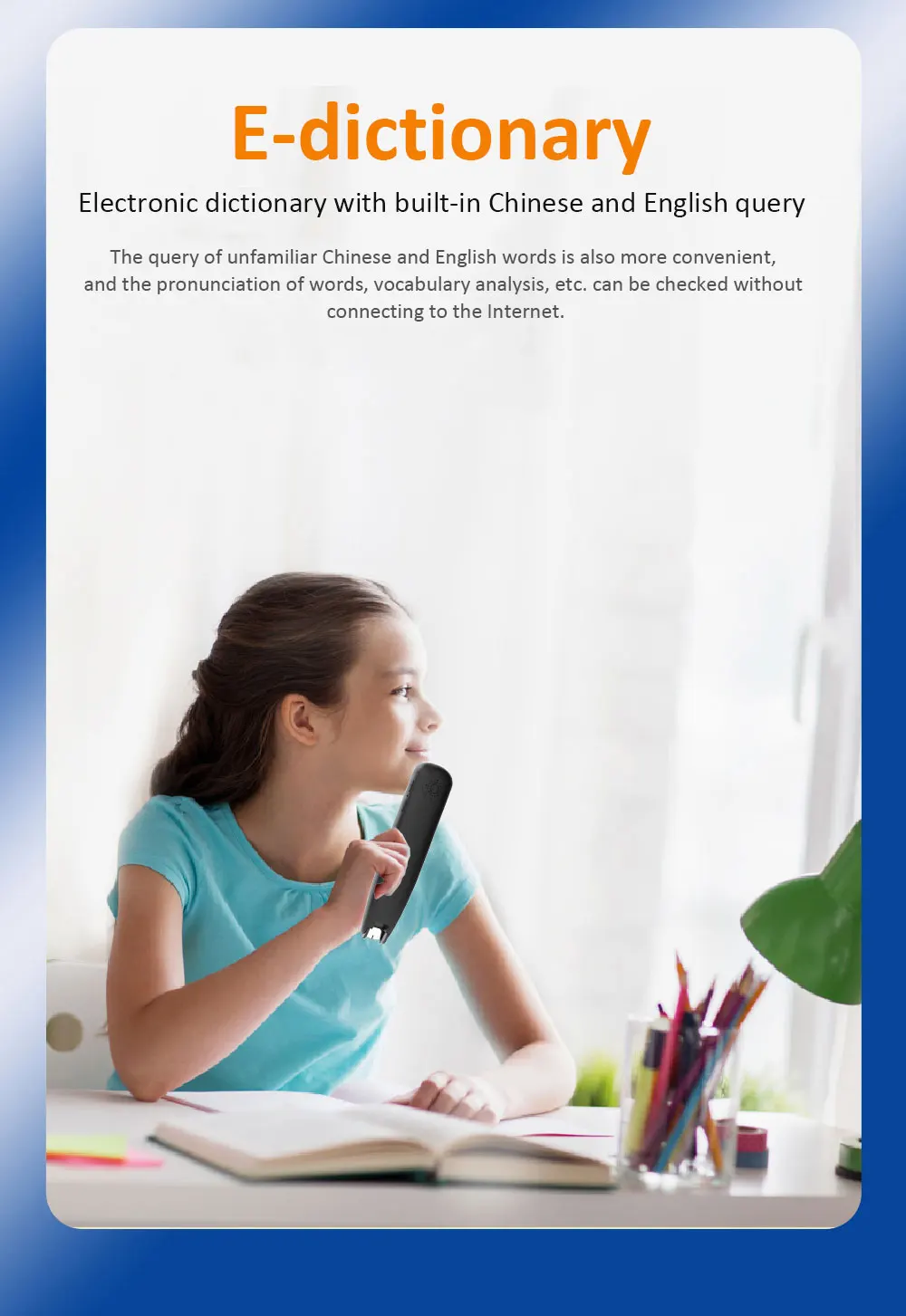
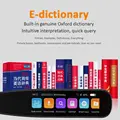
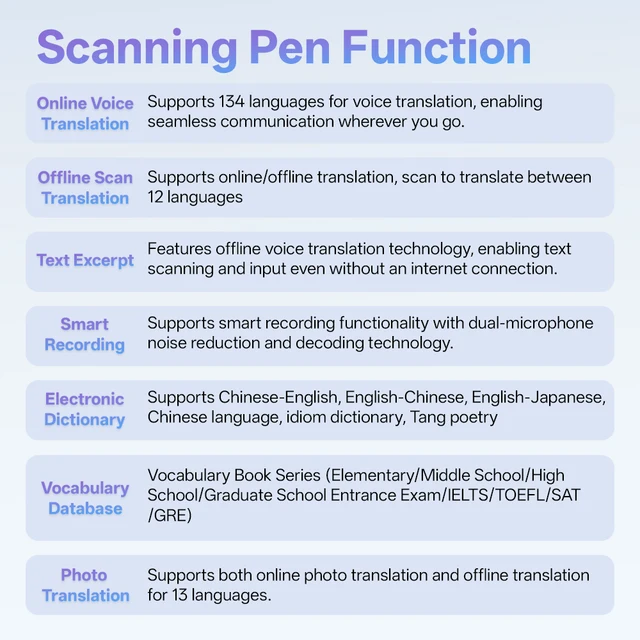
📖 Multi-Dictionary Coverage: Chinese-English, English-Chinese, English-Japanese mutual lookup, plus Chinese Dictionary, Idiom Dictionary, and Tang Poetry Library. Suitable for kids checking new words and adults searching professional terms.
🎓 10 Professional Word Banks: Primary → Junior High → Senior High → CET-4/6 → Postgraduate Exam → IELTS/TOEFL/SAT/GRE. Classified by learning stages – exam takers don’t need to download additional word books, study directly with the scanner pen.
⭐ Favorites Function: One-click save key words or useful translation sentences for review during fragmented time.
4. User-Friendly Experience: Easy Operation & Reliable Battery Life
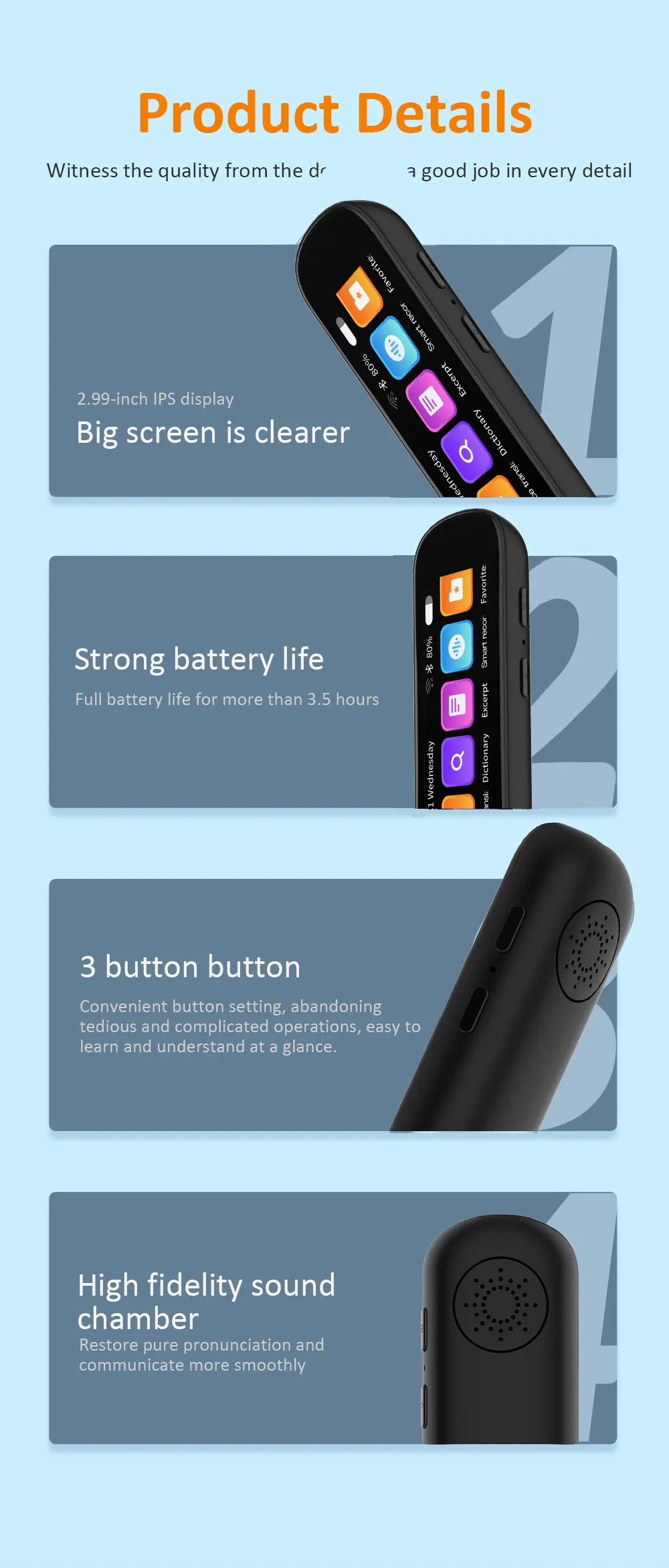
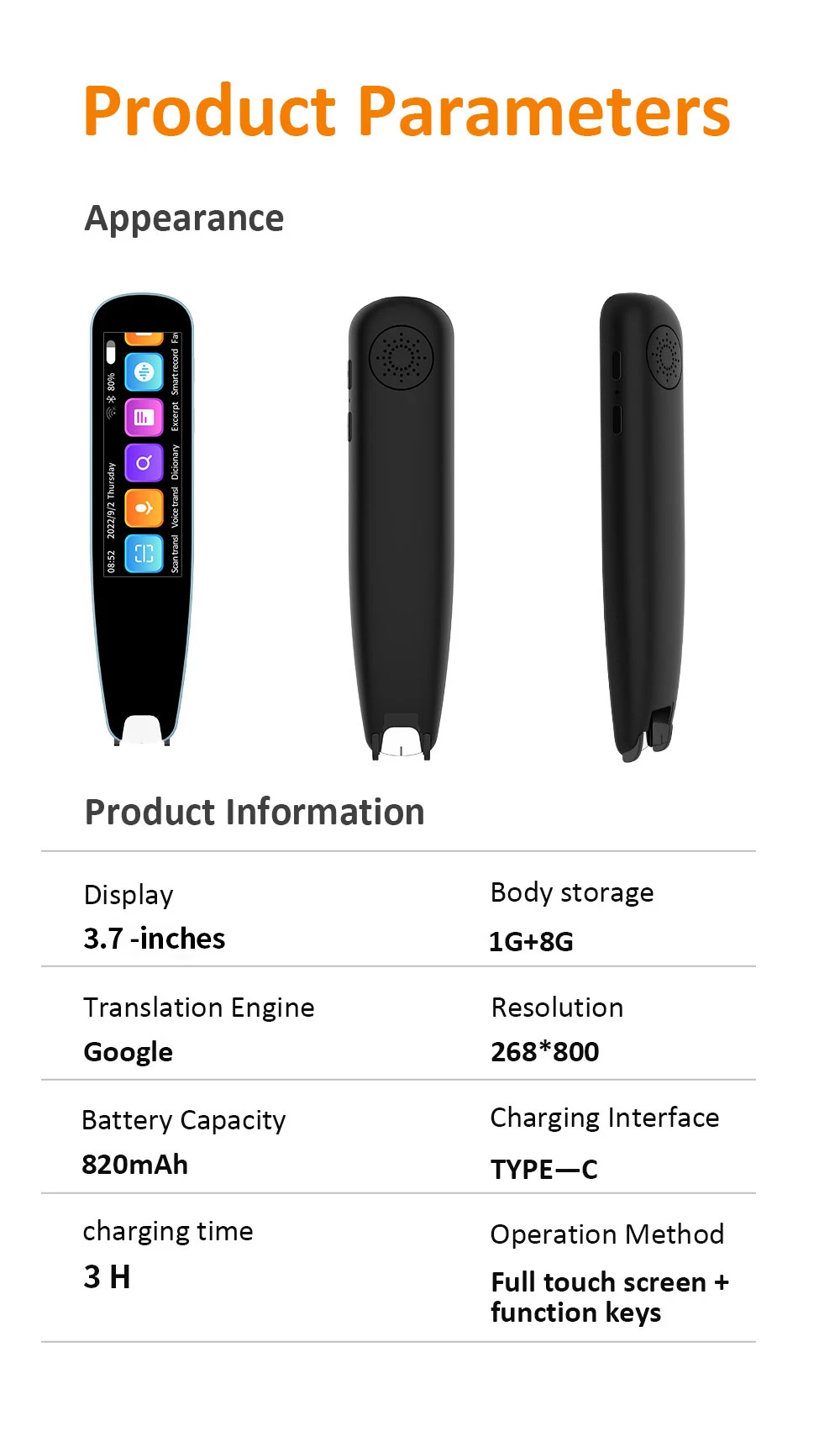
🖥️ 3.7-Inch Clear Screen: Large font and complete display – translation results and word definitions are easy to read at a glance, suitable for both the elderly and children to use immediately.
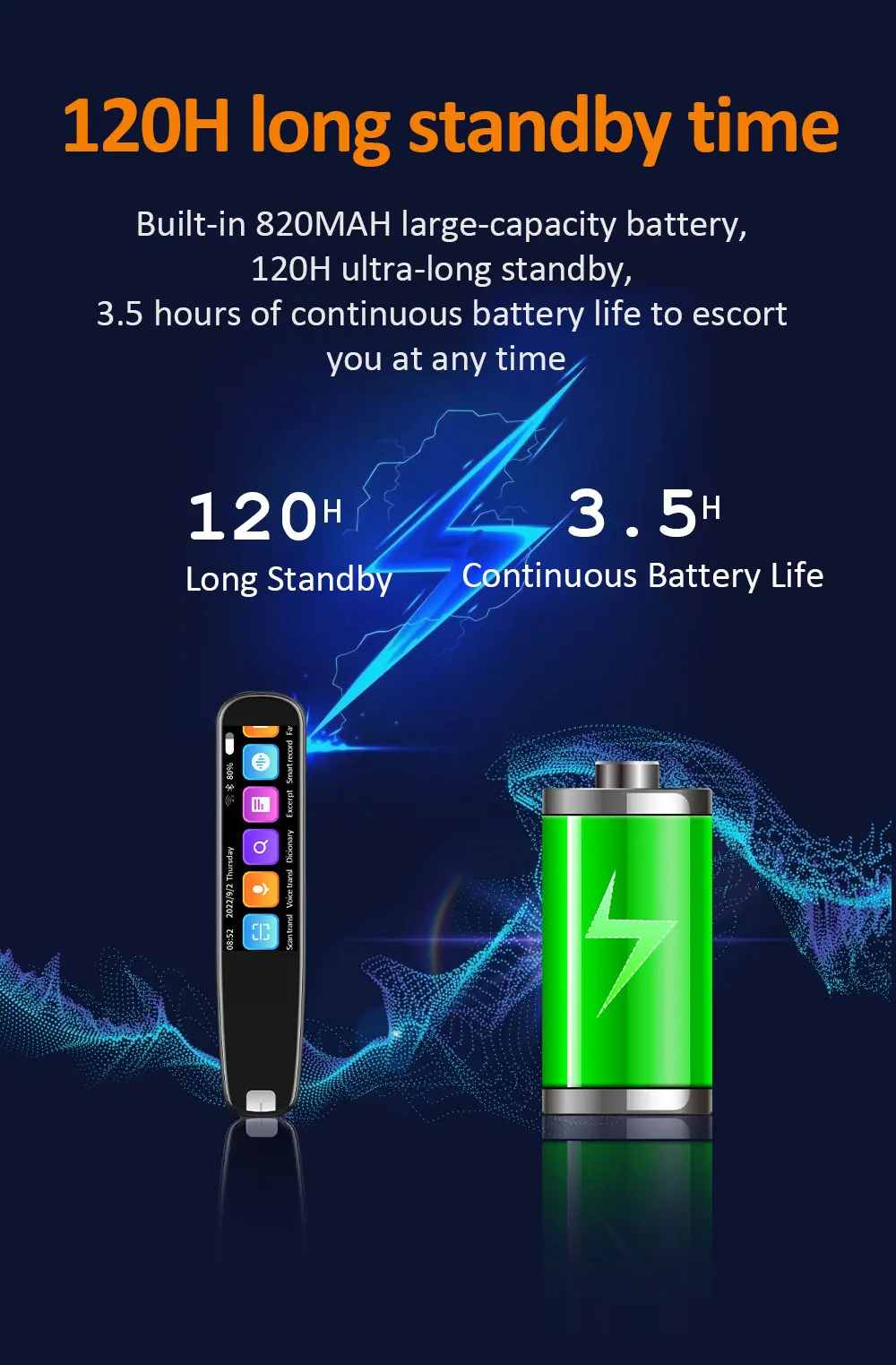
🔌 Long Battery Life & Flexible Connectivity: Supports WiFi for word library/system updates (ensuring the latest languages and dictionaries), Bluetooth connection to headphones (private translation without disturbance), and lasts 1-2 days for daily use without frequent charging.
✋ Humanized Design: Switchable pen-holding direction and vertical scanning – comfortable for left-handed or right-handed use, no fatigue even during long scanning sessions.
5. Who Is It For?
✈️ Overseas Travelers: Scan menus, road signs, and product descriptions – say goodbye to the embarrassment of "guessing meanings".
🎒 Students/Exam Takers: Look up words, practice oral English, and take notes – double learning efficiency.
🌐 Cross-Border Living/Business: Chat with neighbors or connect with clients – voice/scan translation saves the day anytime.



Q1: Can the scanner pen translate without internet? Which offline languages are supported?
A1: Yes! Scan translation supports 12 dual offline languages (Simplified Chinese, English, Japanese, Korean, German, French, Spanish, and other mainstream languages). Even without WiFi or data, you can scan road signs, menus, or product packaging for accurate results—like scanning snack labels in Japanese convenience stores or street signs in Europe. Only voice translation requires an internet connection!
Q2: Does voice translation cover minor languages like Spanish or Russian?
A2: Absolutely! Voice translation supports 134 online languages, including Spanish, Russian, Italian, Portuguese, and other minor languages. Whether chatting with overseas neighbors, bargaining in malls, or conducting business negotiations, speak and translate instantly—no need to type and wait.
Q3: Which languages are supported for text extraction? Can it be used for meeting notes?
A3: It supports text extraction in 22 languages (Simplified Chinese, Traditional Chinese, Cantonese, Czech, Danish, etc.). Scan PPTs during meetings or textbooks in classes to convert paper content directly to text. It also features "scan simultaneous translation"—translate PPT content while scanning during speeches, so you don’t have to rush to take notes.
Q4: Is the word bank sufficient for kids preparing for IELTS/TOEFL?
A4: Yes! It comes with 10 professional word banks, covering primary school, junior high, senior high, CET-4/6, postgraduate exams, IELTS/TOEFL/SAT/GRE. No need to download additional word books—scan new words to look them up and save them for review.
Q5: Is there an English-Japanese mutual dictionary? I need to learn Japanese and want both translation and word lookup functions.
A5: Yes! It includes built-in mutual dictionaries (Chinese-English, English-Chinese, English-Japanese), plus a Chinese Dictionary, Idiom Dictionary, and Tang Poetry Library. Whether learning English or Japanese, it meets your needs for word lookup and cultural knowledge.
Q6: Is the operation complicated for the elderly or children?
A6: Super easy! It has a 2.99-inch clear screen with large fonts for easy reading. Supports switchable pen-holding directions and vertical scanning—comfortable for both left-handed and right-handed users. Turn it on, select a function, and use it directly—no complex settings required.
Q7: Is the battery life enough for a full day out? How long does it take to charge?
A7: It lasts 1-2 days for daily use (translation, word lookup, and light recording), fully meeting the needs of a day of travel or classes. Charging takes about 2-3 hours to full, and it supports charging while in use—no need to worry about sudden power loss.
Q8: Can it connect to headphones? I don’t want to disturb others in quiet places like libraries.
A8: Yes! It supports Bluetooth headphone connection—listen to voice translations and word pronunciations through headphones for private use in quiet environments. It also connects to WiFi for system and word bank updates, ensuring the latest languages and dictionaries.
Q9: Will offline translation be accurate when scanning restaurant menus or product packaging during travel in Japan?
A9: Very accurate! Japanese is one of the 12 offline languages. Scan menu items like "sashimi" or "sushi," or road signs like "駅前" (in front of the station) to get quick Chinese translations—no more gesturing to communicate.
Q10: How to use the scan simultaneous translation function for taking key points in cross-border meetings?
A10: 1. Open "Text Extraction" → Select "Scan Simultaneous Translation." 2. Scan English content on meeting PPTs to get real-time Chinese translations. 3. Extracted content is saved automatically for easy document organization after the meeting—no need to take manual notes.










Follow us on: