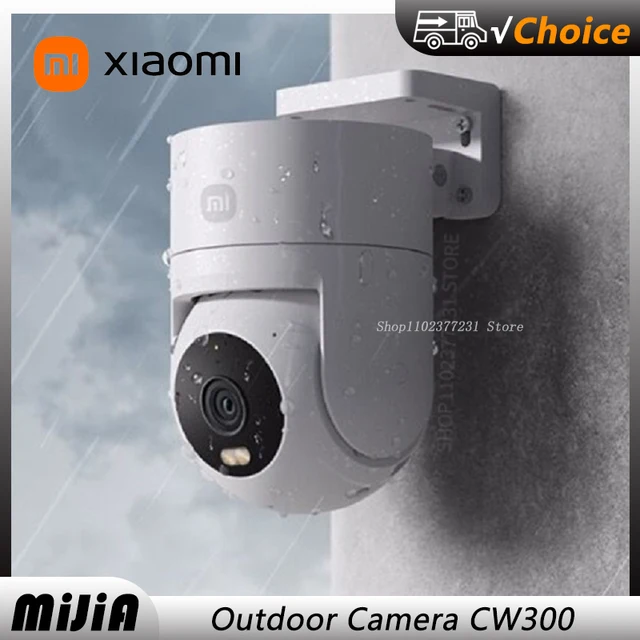
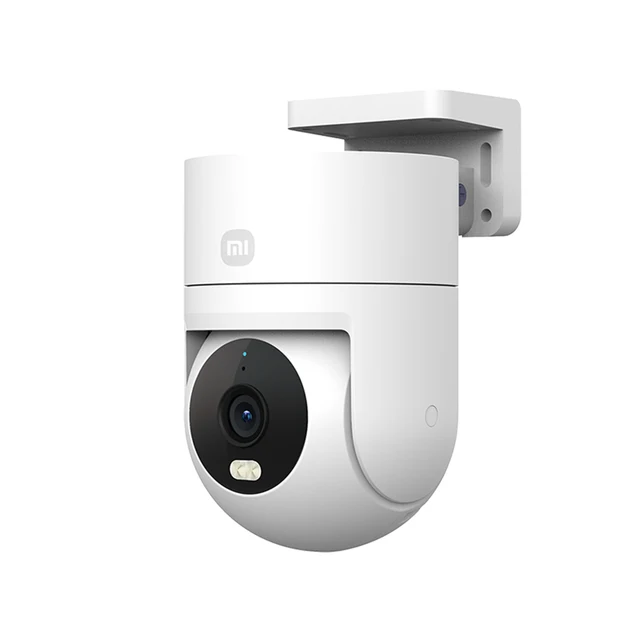
Discover the Xiaomi Outdoor Camera CW300 with 2.5K ultra-clear image quality, four-light full-color night vision, and AI humanoid monitoring perfect for any weather. Easy to set up and use!
Please know it before order:
* This is the China version, please change the region in the Mihome APP to "China Mainland" first!
* If your Mi Home account have connected to other devices in other regions,then it cannot be connected to China devices at the same time!!
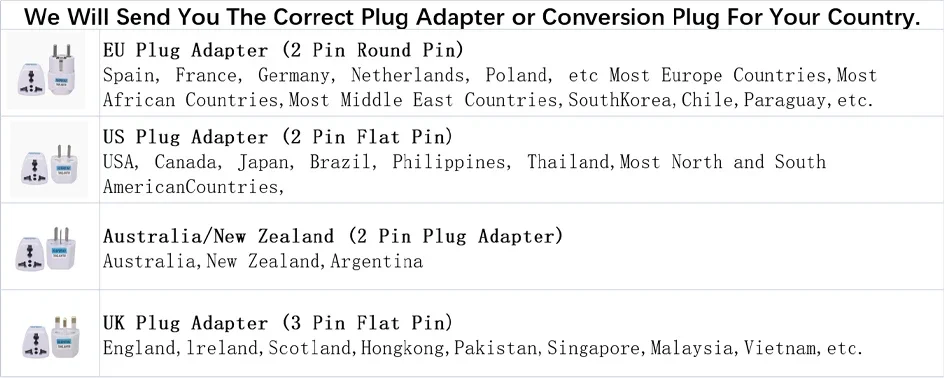
* The original packaging is US plug (please add the option if you need)
User Instructions:
1.Please download the Mi Home app first. After downloading, Click "Profile" – "Additional settings".
2.In "Language & region", set "Region" to "Chinese Mainland".
3.Connect the power.
(1) Insert the power adapter cable into the camera power port, and the camera will automatically power on.
(2) The indicator light will be solid yellow, and you will hear a voice prompt indicating successful power-on.
(3) Click the "+" in the upper right corner, then click "Scan".
4.Follow the on-screen instructions to reset the product. Click "Device Reset".
5.Select Wi-Fi and Click"Next".
6.Continue until the connection is successful.
*The app server can only be selected as Mainland China. Ensure a smooth network connection during connection, with the camera turned on normally and the indicator light solid yellow; after successful connection, the indicator light will be solid blue.

Powering On: Insert the power adapter cable into the camera's power port, and the camera will automatically power on. The indicator light will be solid yellow, and you will hear a voice prompt, indicating successful startup.
Connecting to Mi Home App: This product is already integrated into Mi Home, allowing control through the Mi Home app and seamless integration with other products. Scan the QR code to download and install the Mi Home app. Users who have already installed the Mi Home app will directly access the device connection page. Alternatively, you can search for "Mi Home" in the app store, download, and install the Mi Home app. Open the Mi Home app's homepage, click the "+" in the upper right corner, and follow the app's prompts to add the device.
XIAOMI Outdoor Camera CW300 Main Features

* 4 million pixel camera, paired with F1.6 large aperture lens, showing 2.5K ultra-clear image quality
* Four-light full-color night vision, still showing colorful images in dark night environment
* Horizontal and vertical dual pan/tilts, wider field of view
* Professional IP66 dustproof and waterproof design, stable operation in wind, frost, rain and snow weather
* Support humanoid detection, automatically record warning video and send to mobile phone
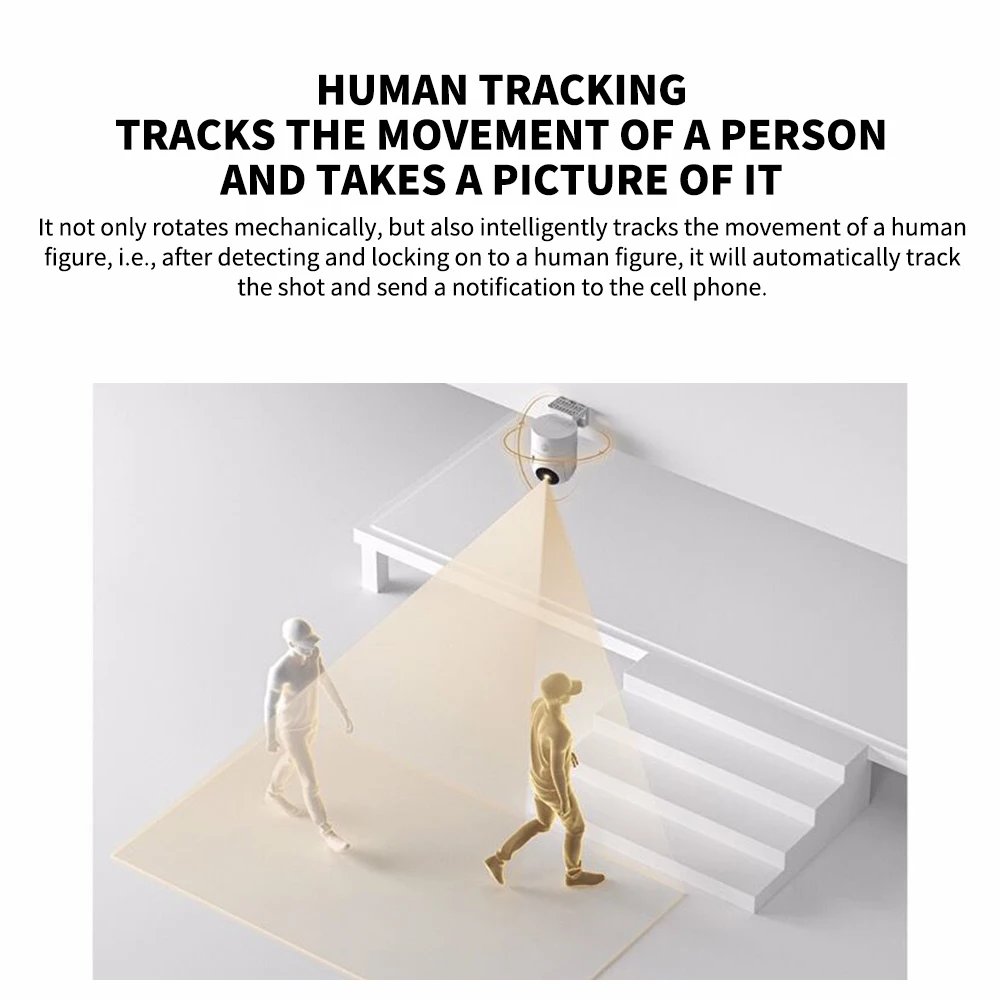
* Humanoid tracking, after detecting and locking the humanoid, it will automatically track, shoot and send notifications to the mobile phone
* Sound and light warning, alarm information pushed to mobile phone
* Two-way voice call, built-in highly sensitive microphone
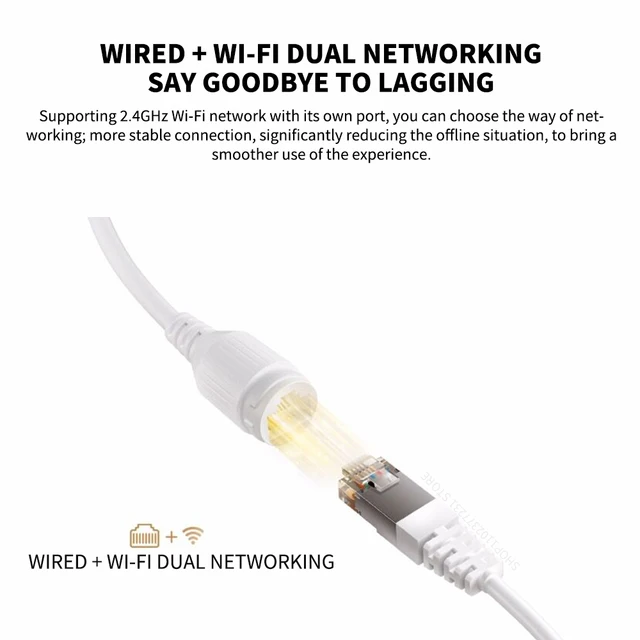
* Wired RJ network port + wifi dual networking mode, stable connection
Detailed parameters

Xiaomi outdoor camera CW300









 Please note that:
The package does not include Ethernet cables, you need to purchase them separately. thank you.



















Follow us on: